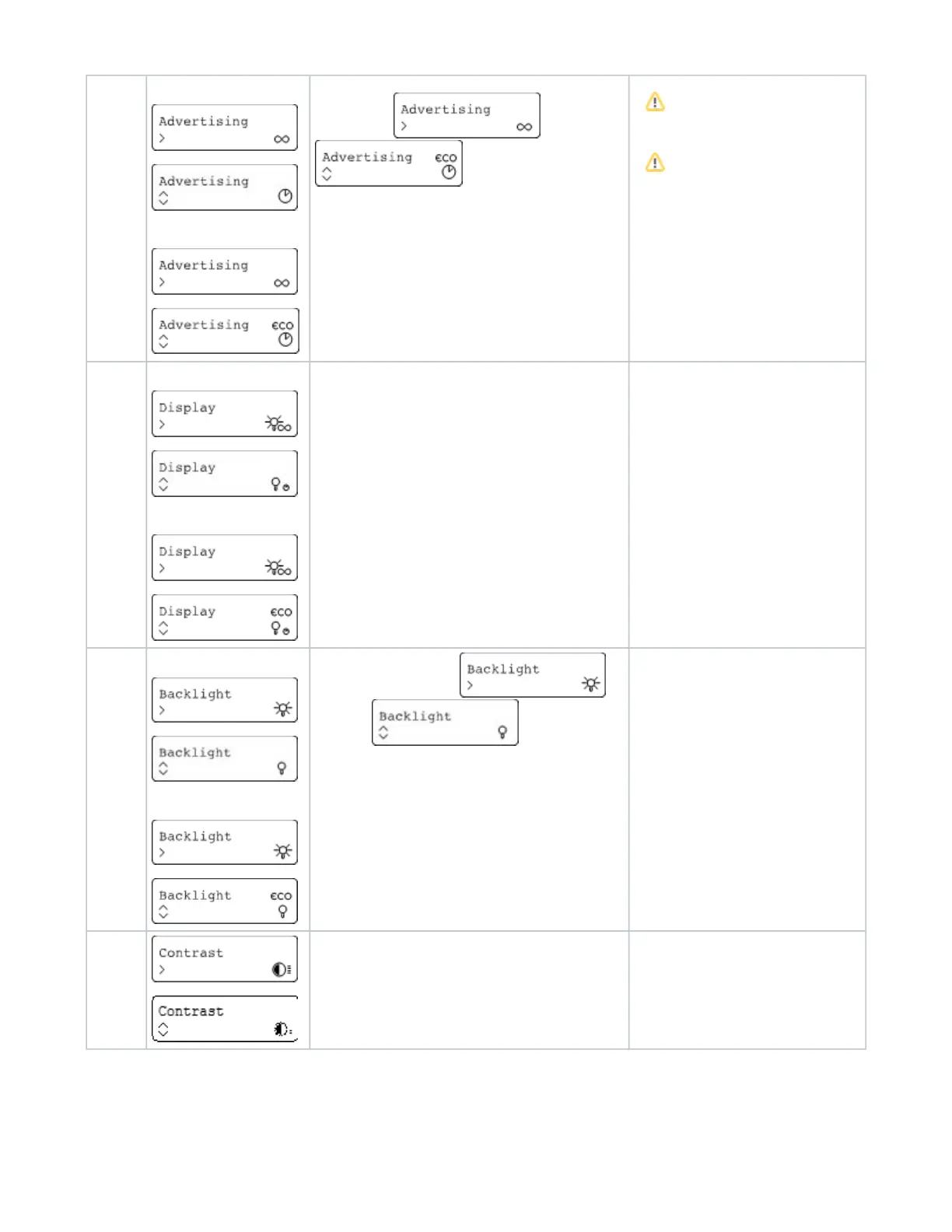
Advertising
AirID 2
AirID 1
Use the control element to set the advertising mode (Connection
via Bluetooth) to permanent or
temporary
If during the temporary actived advertising
mode no connection to a device is established,
the advertising mode switches off automatically
to save battery power. Therefore, a manual
reconnection is necessary afterwards.
To save energy, a work schedule can be
created via AirID Central App. If the working
hours are exceeded, the advertising mode
remains deactivated.
Display
AirID 2
AirID 1
Indicates the lenght of time the display will remain on. Select
whether the display is on permanently or turns off after a while.
Backlight
AirID 2
AirID 1
Select whether the backlight is
activated or deactivated.
Contrast Increase display contrast (adjustable in 4 levels)


 To Next Page