up and down scrolling navigation
press select
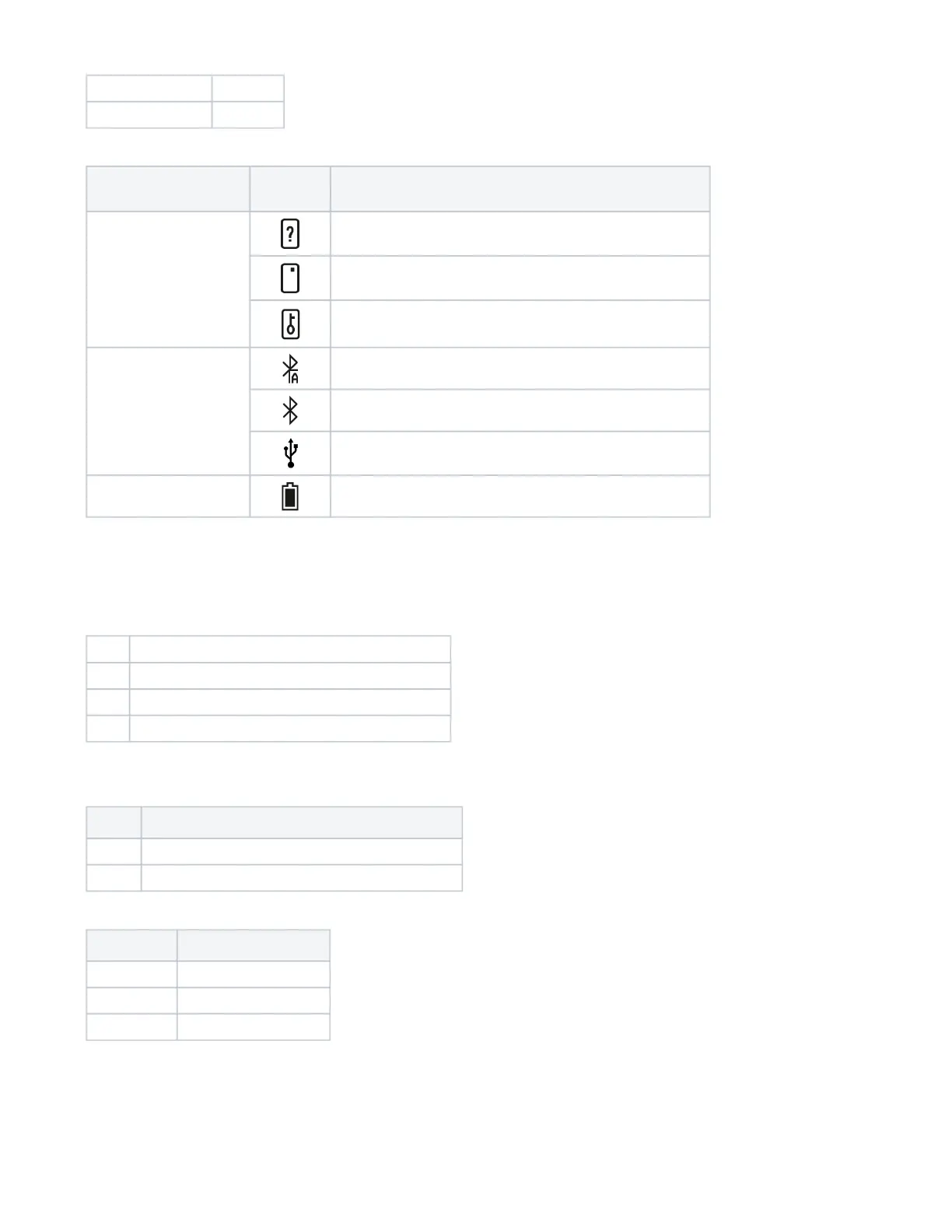
The current status of AirID is indicated by the following icons:
Status Type Status
Indicator
Description
Smart card status card inserted, card not supported or damaged
card inserted and card supported
card access blocked (Distance Sensor)
Connection status Bluetooth and advertising activated
Bluetooth activated and connected to host
Connected to host via USB in USB card reader mode
Battery status remaining battery capacity
LED Indicator
Following LED indicators exists on
AirID 2 (PN: A2XX…)
Color Meaning
red on while battery charging; off when battery charging is done
blue on while bluetooth communication activities
green on while smart card activities
AirID 2 (Rev. 1-3, PN: ARID002-…)
Color Meaning
red on while battery charging, off when battery charging is done
blue on while smart card activities
AirID 1
Color Meaning
red battery low, please charge
red and blue battery charging
blue and green battery completely charged
3. Menu Layout
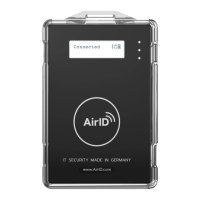
In the AirID device menu, you can configure various settings and get status information about your AirID device. You can access the different menu
entries by navigating with the control element.


 To Next Page