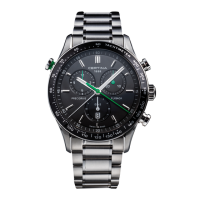
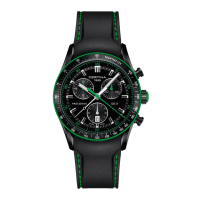
DS Multi-8
WWW.CERTINA.COM
328_EN / 11.14
5/7
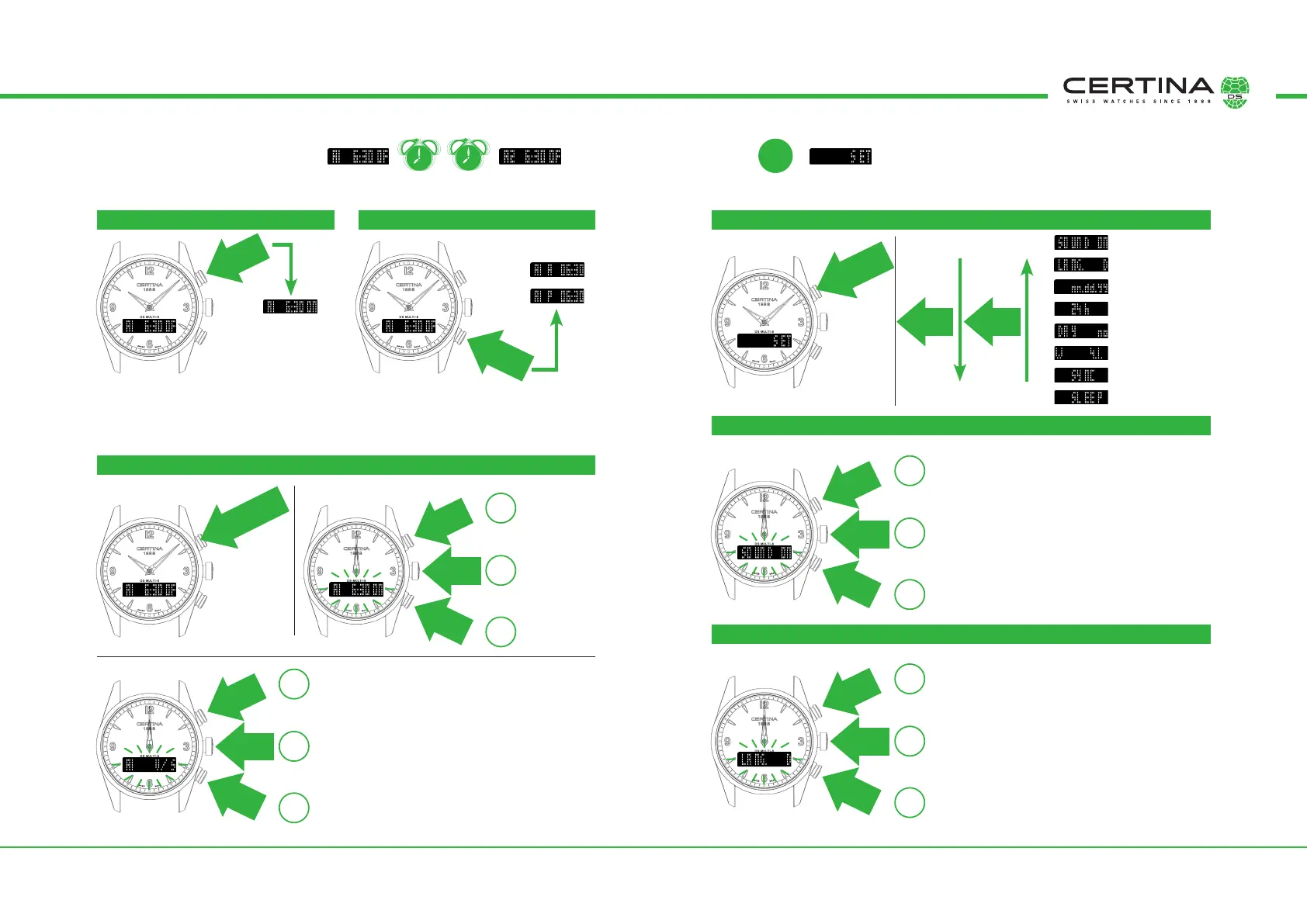
ALARM A1 (T1) & A2 (T2) SET
2 alarms are available. They are used and set in the same way. The following parameters must be set as required.
A1
A2
The alarm uses an acoustic and/or vibra-
tion warning signal. The warning signal can
be stopped by pressing any of the push-
buttons.
Only in 12 hour mode (am/pm).
Indicates whether the alarm is set to am
(06.00) or pm (18.00).
Sound
Language
Date hand format
Time hand format
First weekday
First calendar week
Hand synchronisation
Watch sleep mode
Press
once
Alarm status:
ON = Active
OF = Inactive
am:
pm:
USE
SETTING
am/pm DISPLAY SETTINGS ACTIVATION AND PARAMETER SELECTION
SOUND (does not affect the alarm or timer)
LANGUAGE (for displaying the weekday and calendar week)
Press and
hold
➀
➀
➁
➂
➈
➇
➆
➅
➄
➃
➁
Press and hold
for 2 secs
Press and hold
for 2 secs
Hours,
minutes
Press
once
Press
once
Press
once
Press
twice
Press
once
Warning type:
V/S = Vibrating and acoustic
V = Vibrating
S = Acoustic
Press
once
Press
once
Press
once
➂
SET
Acoustic conrmation by pressing the push-button:
ON = with conrmation
OF = no conrmation
Language:
E = English
D = German
F = French
S = Spanish
P = Portuguese
I = Italian
Press
twice
Press
once
Press
twice
Press
once
Press
twice
Press
once
➁
➂
+
–
OK
+
–
OK
+
–
OK
+
–
OK


 To Next Page