EasyManua.ls Logo

Cerwin-Vega CVX-18s - User Manual

Cerwin-Vega CVX-18s
33 pages
Print Icon
To Next Page IconTo Next Page
Loading...
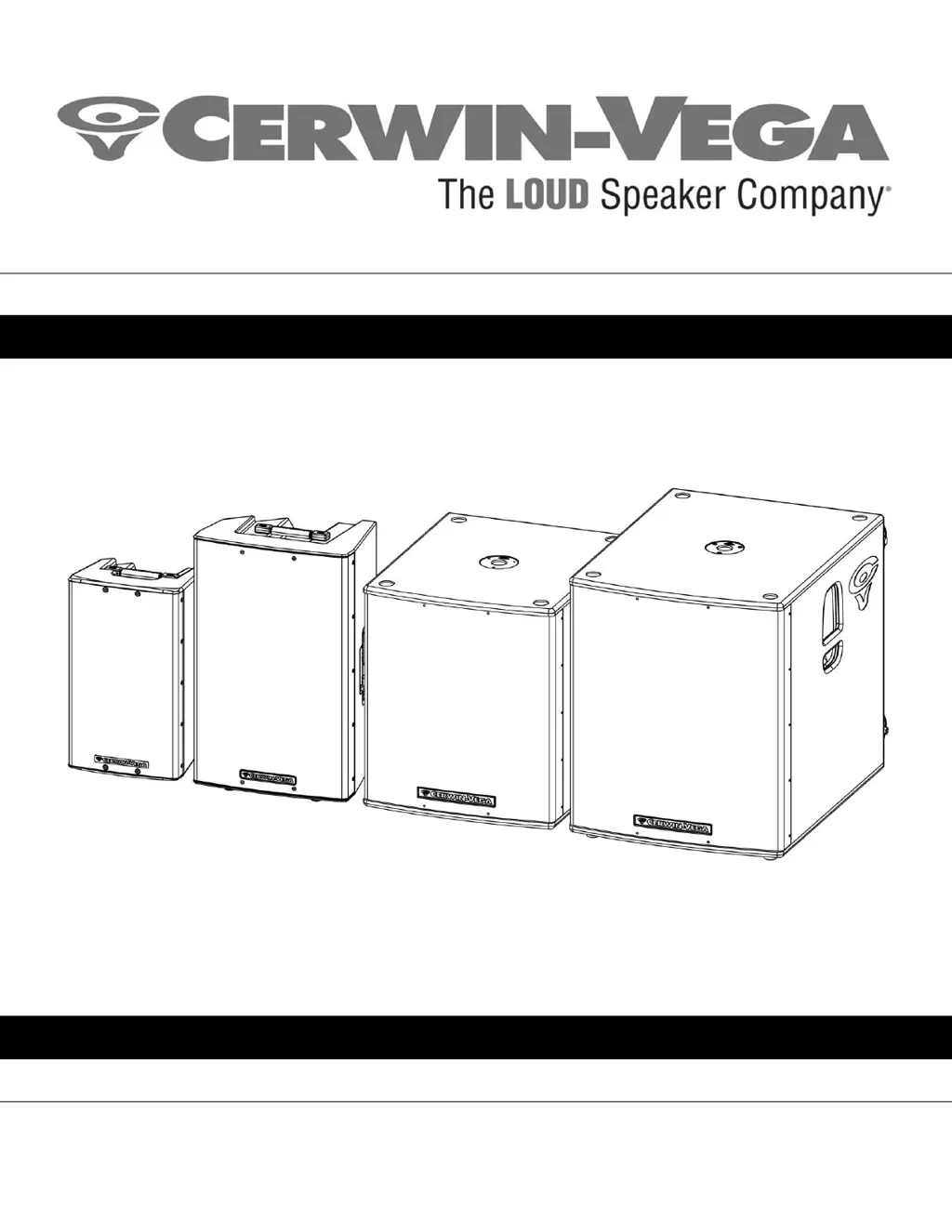
CVX-SERIES MANUAL
Instruction Manual (English)
CVX-10, CVX-15, CVX-18s, and CVX-21s
Powered Loudspeakers

Questions and Answers

  • A
    Alexandra MartinAug 9, 2025
    How to troubleshoot no sound from Cerwin-Vega CVX-18s Speakers?
    • J
      Jessica IngramAug 9, 2025
      If your Cerwin-Vega speakers produce no sound, first ensure the loudspeaker is connected to a working AC power outlet, verifying the outlet is switched on. Then, check that the power switch on the speaker's back is in the ON position. Also, adjust the LEVEL setting until sound is audible. Finally, confirm the audio source is on, its volume is appropriately set, and the cable connections between the audio source and speaker are secure. For microphones requiring it, ensure phantom power is active. Also, check the mute switch on the audio mixer, ensuring it is disengaged.
  • C
    Christopher StewartAug 18, 2025
    What to do if my Cerwin-Vega Speakers have no power?
    • N
      Nathan FitzpatrickAug 18, 2025
      If your Cerwin-Vega speakers have no power, check the following: First, make sure the speaker is connected to a working AC power source and that the outlet is switched on. Next, verify that the power switch on the back of the speaker is in the ON position. Also, confirm that the AC power source voltage is neither too high nor too low. Finally, if the issue persists, disconnect all power and inspect the fuse on the rear of the speaker, replacing it if necessary.
  • J
    Jessica BarberDec 1, 2025
    Why do my Cerwin-Vega CVX-18s Speakers sound bad?
    • D
      Daniel JordanDec 1, 2025
      If your Cerwin-Vega speakers sound bad, consider these points: First, check the external mixing console's meters to ensure the signal isn't clipping. Correct the console's gain structure by lowering the pre-amplifier trim (input sensitivity); if needed, lower channel faders, and then the master bus. Also, verify all cable connections are secure, clean, and undamaged. Ensure rattling sounds aren't coming from caster wheels (on subwoofers), stands, furniture, or fixtures near the system. Avoid AC power sources connected to light dimmers, use an AC filter box or different AC circuit, and keep audio signal cables away from power cables, transformers, or signal cables to prevent interference. To address ground loop hum, minimize volume and input levels to check for hum from connected equipment....

Cerwin-Vega CVX-18s Specifications

General IconGeneral
TypeSubwoofer
Driver Size18 inches
Impedance8 Ohms
Sensitivity (1w/1m)98 dB
Maximum SPL130 dB
Enclosure TypeBass Reflex
Power Handling (RMS)600W

Related product manuals