EasyManua.ls Logo

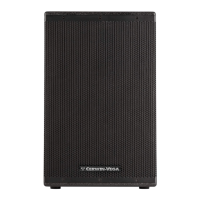
Cerwin-Vega CVXL-115 - User Manual

Cerwin-Vega CVXL-115
33 pages
Print Icon
To Next Page IconTo Next Page
Loading...
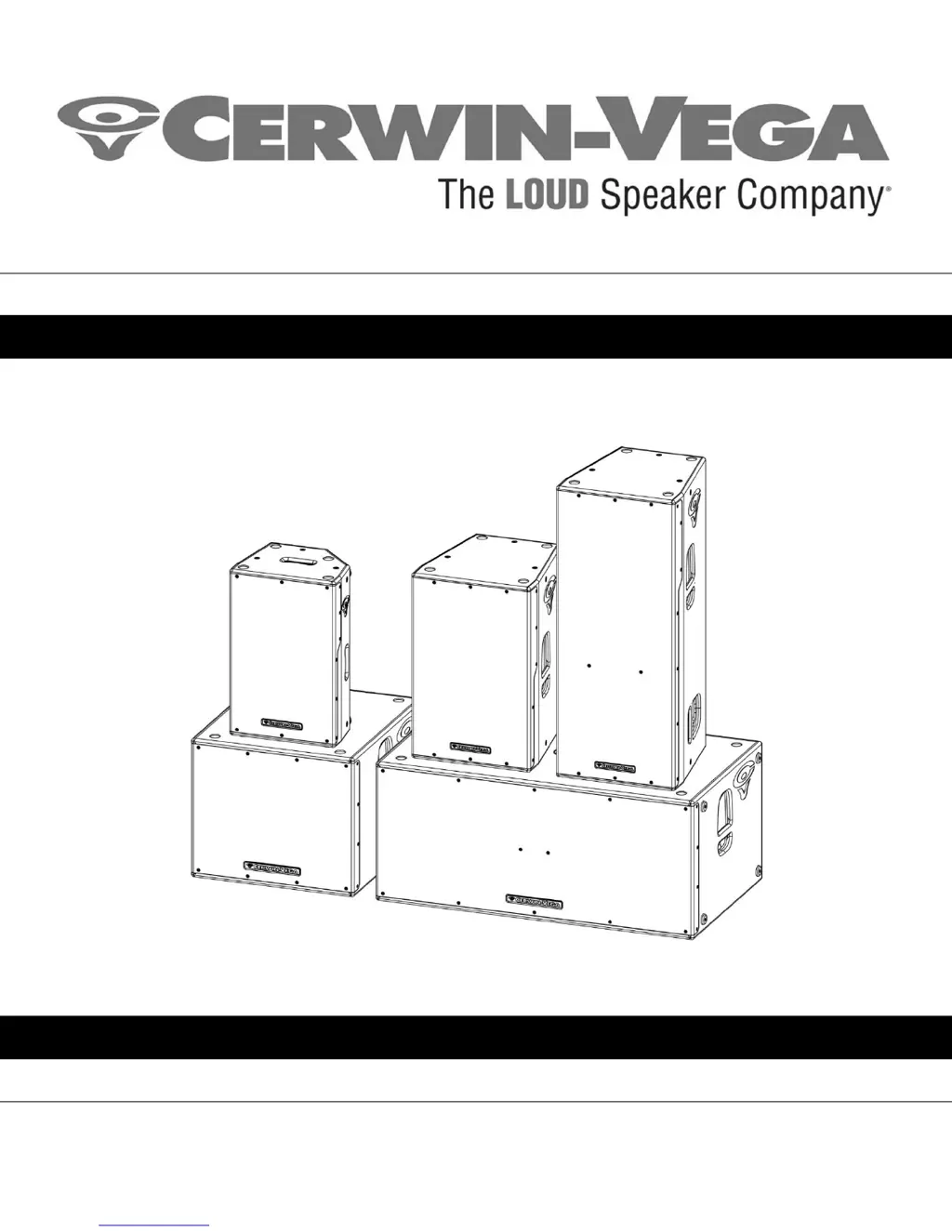
CVXL SERIES MANUAL
Instruction Manual (English)
CVXL-112, CVXL-115, CVXL-215, CVXL-118s, and CVXL-218s
Powered Loudspeakers

Questions and Answers

  • N
    Nicole CalhounAug 11, 2025
    Why do my Cerwin-Vega Speakers have no sound?
    • T
      Thomas GibsonAug 11, 2025
      There are several reasons why your Cerwin-Vega speakers might not be producing sound. First, ensure the loudspeaker is connected to an active AC power source and that the power switch on the back is in the ON position. Check the LEVEL setting and adjust it until you hear sound. Also, verify that your audio source is active with adequate volume, and that all cable connections are correct. If you are using a mixer, ensure the MUTE switch is disengaged and that microphones requiring phantom power have an external power source.
  • M
    Mark PorterAug 26, 2025
    Why won't my Cerwin-Vega Speakers power on?
    • K
      Kathleen MartinezAug 26, 2025
      If your Cerwin-Vega loudspeaker isn't powering on, first verify it's connected to an active AC power source. Check that the power switch on the back is set to the ON position. Also, confirm that the AC power source voltage is neither too high nor too low. Finally, disconnect all power connections and inspect the fuse on the rear of the loudspeaker, replacing it if necessary.
  • A
    Andrew BurkeSep 2, 2025
    What to do if my Cerwin-Vega Speakers shut down?
    • D
      draketylerSep 2, 2025
      If your Cerwin-Vega loudspeaker shuts down, it may be due to the self-protection feature being enabled. To prevent this, avoid placing the loudspeaker near a heat source or in direct sunlight. Additionally, avoid using an audio source with a clipped or distorted input signal.
  • E
    elijah46Nov 18, 2025
    What to do if my Cerwin-Vega CVXL-115 have bad sound?
    • S
      Susan PriceNov 18, 2025
      If your Cerwin-Vega speakers are producing bad sound, check the meters on the external mixing console to ensure that the signal is not being clipped. Correct the gain structure of the console by lowering the pre-amplifier trim, channel faders, or master bus. If plugging signal sources directly into the speaker, ensure that the input levels are not too high. Also, ensure your audio source and/or mixer do not have excessive bass or treble added, as overdriven EQs can cause audible distortion. Verify that all cable connections are good and free of residue. Confirm that rattling sounds are not coming from caster wheels, loudspeaker stands, or nearby furniture. Avoid using an AC power source connected to a light dimmer and route audio signal cables away from power cables, transformers, or signa...

Cerwin-Vega CVXL-115 Specifications

General IconGeneral
BrandCerwin-Vega
ModelCVXL-115
CategorySpeakers
LanguageEnglish

Related product manuals