EasyManua.ls Logo

Cerwin-Vega CVE-12 - User Manual

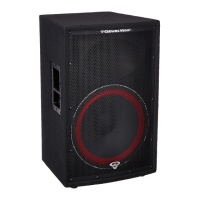
Cerwin-Vega CVE-12
25 pages
Print Icon
To Next Page IconTo Next Page
Loading...
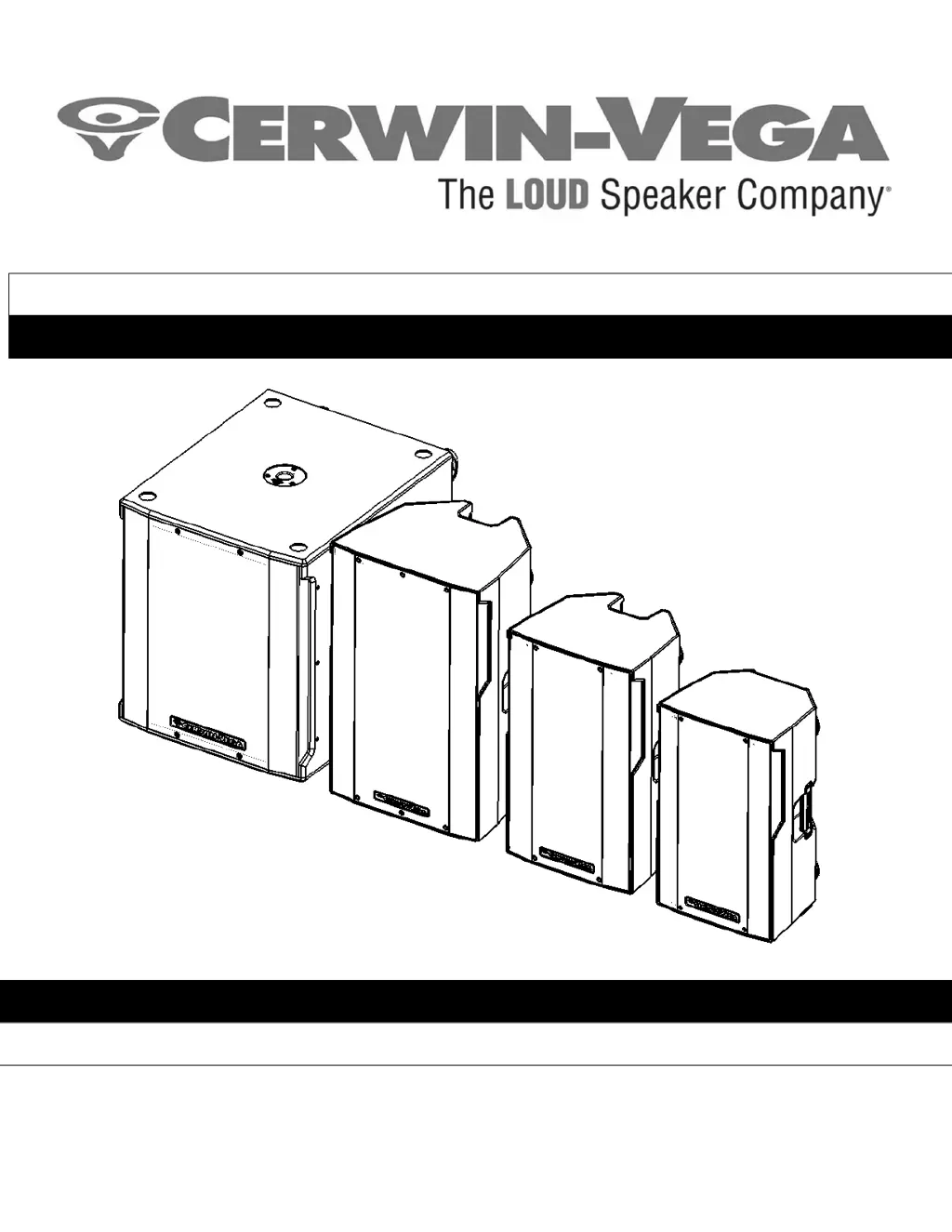
CVE-SERIES MANUAL
Instruction Manual (English)
CVE-10, CVE-12, CVE-15, and CVE-18s
Powered Loudspeakers

Other manuals for Cerwin-Vega CVE-12

Questions and Answers

  • B
    beardjeanAug 8, 2025
    How to troubleshoot no sound from Cerwin-Vega CVE-12?
    • C
      Christopher BrownAug 8, 2025
      If your Cerwin-Vega speakers produce no sound, first ensure the loudspeaker is connected to a working AC power outlet, verifying the outlet is switched on. Then, check that the power switch on the speaker's back is in the ON position. Also, adjust the LEVEL setting until sound is audible. Finally, confirm the audio source is on, its volume is appropriately set, and the cable connections between the audio source and speaker are secure. For microphones requiring it, ensure phantom power is active. Also, check the mute switch on the audio mixer, ensuring it is disengaged.
  • M
    Miss Morgan WellsAug 18, 2025
    What to do if my Cerwin-Vega CVE-12 have no power?
    • D
      Dr. Robert WilsonAug 19, 2025
      If your Cerwin-Vega speakers have no power, check the following: First, make sure the speaker is connected to a working AC power source and that the outlet is switched on. Next, verify that the power switch on the back of the speaker is in the ON position. Also, confirm that the AC power source voltage is neither too high nor too low. Finally, if the issue persists, disconnect all power and inspect the fuse on the rear of the speaker, replacing it if necessary.
  • L
    Lauren WilliamsDec 1, 2025
    Why do my Cerwin-Vega Speakers sound bad?
    • G
      Gabriela FreemanDec 1, 2025
      If your Cerwin-Vega speakers sound bad, consider these points: First, check the external mixing console's meters to ensure the signal isn't clipping. Correct the console's gain structure by lowering the pre-amplifier trim (input sensitivity); if needed, lower channel faders, and then the master bus. Also, verify all cable connections are secure, clean, and undamaged. Ensure rattling sounds aren't coming from caster wheels (on subwoofers), stands, furniture, or fixtures near the system. Avoid AC power sources connected to light dimmers, use an AC filter box or different AC circuit, and keep audio signal cables away from power cables, transformers, or signal cables to prevent interference. To address ground loop hum, minimize volume and input levels to check for hum from connected equipment....

Summary

Important Safety Instructions

Quick Start Guide

Loudspeaker Placement Guidelines

Guidance on optimal positioning to avoid feedback, enhance sound, and prevent hazards.

CVE-10;12;15 Rear Panel Mixer Overview

DSP Mode Selection for CVE-10;12;15

Explains the five EQ presets for different audio applications like LIVE PA and MONITOR.

Bluetooth Connectivity and Pairing

Instructions for pairing devices and linking multiple CVE speakers via Bluetooth.

Input Channels and Level Control

Details on balanced XLR/TRS inputs and gain adjustment for MIC and LINE levels.

CVE-18 s Rear Panel Mixer Overview

DSP Mode Selection for CVE-18 s

Explains the two EQ presets for the CVE-18s: LIVE PA and CLUB/DJ.

Using CVE-10;12;15 as Stage Monitors

Application 1: Single Speaker Setup

Application 2: Two Speaker Setup via Mixed Output

Application 3: Adding CVE-18 s Subwoofer

Application 4: Daisy-Chaining Speakers

Application 5: Large Venue Setup

Troubleshooting Common Issues

Product Warranty Information

Obtaining Warranty Service

Cerwin-Vega CVE-12 Specifications

General IconGeneral
Amplifier classD
AC input voltage100 - 240 V
Power source typeAC
AC input frequency50 - 60 Hz
BluetoothYes
Connectivity technologyWired & Wireless
Frequency range44 - 23000 Hz
RMS rated power1000 W
Sound pressure level (max)126 dB
Product colorBlack
Housing materialPolymer
Recommended usageUniversal
Quantity per pack1 pc(s)
XLR/TRS in combo port1
Speaker type2-way
Number of drivers-
Speaker placementFloor
Audio output channels- channels
Weight and Dimensions IconWeight and Dimensions
Depth318 mm
Width356 mm
Height616 mm
Weight14960 g

Related product manuals