EasyManua.ls Logo

Cessna 172P - Page 257

Cessna 172P
358 pages
Print Icon
To Next Page IconTo Next Page
To Previous Page IconTo Previous Page
Loading...
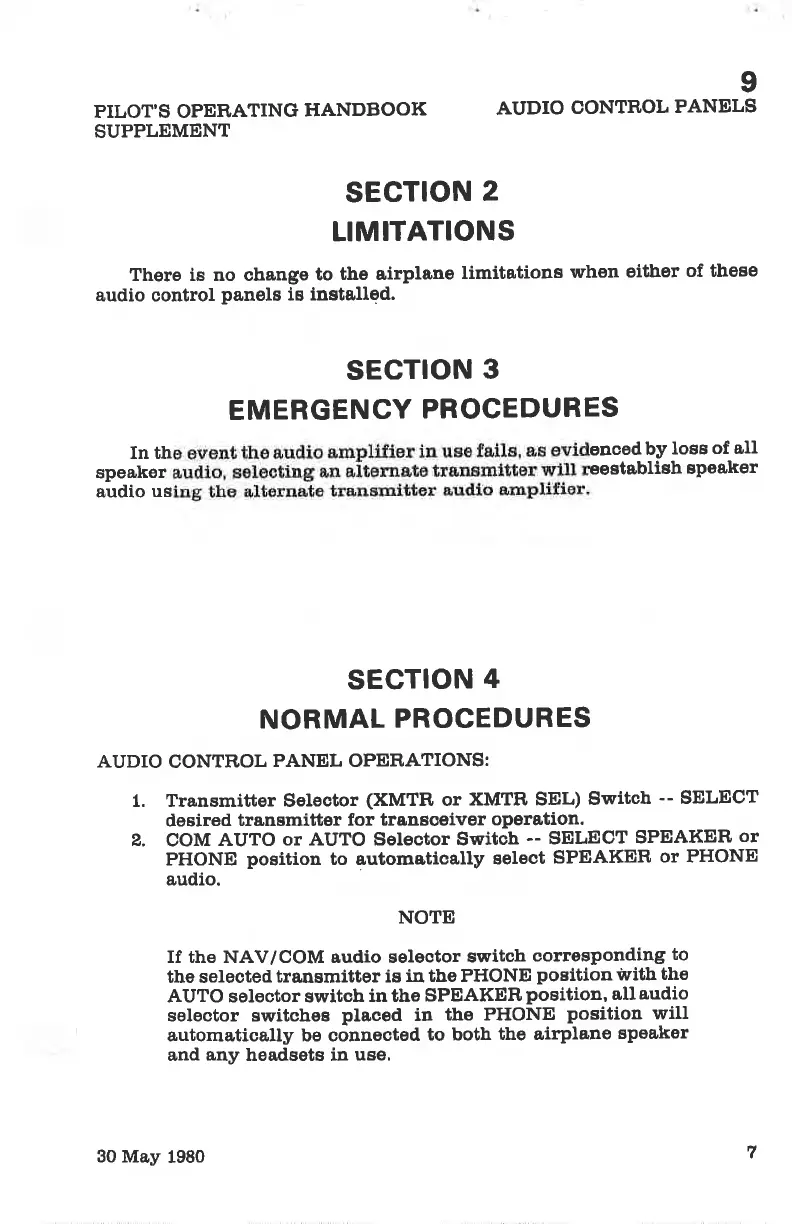
sEciloN
3
EMERGENCY
PROCEDURES
In th
encedbY
loss
of all
speaker
eeetablish
sPeaker
audio
us
PILOT'S OPERATING
HANDBOOK
SUPPLEMENT
9
AUDIO
CONTROL
PANELS
sEciloN
2
LIMITATIONS
There is no change
to
the airplane
timitatione
when
eitJrer
of these
audio control
panels
is installed.
sEciloN
4
NORMAL
PROCEDURES
AUDIO
CONTROL
PANEL OPERATIONS:
1. Transmitter Selector
(XMTR
or
XMTR SEL)
Switch
--
SELECT
desÍred
transmitter
for transoeiver
operation.
2.
COM
AUTO
or AUTO Selector Switch
-- SELECT
SPEAKER
or
PHONE
position
to automatically
select
SPEAKER
or PHONE
audio.
NOTE
If the NAV/COM audio selector
switah
corresponding
to
the selected
transmitter is
in the PHONE
position
ivith
the
AUTO selector switch
in the
SPEAKER
position,
all
audio
selector switcheE
placed
in
the PHONE
position
will
automatically be connected
to both
the airplane
speaker
and
any
headsets in
use.
7
30 May
1980

Table of Contents

Other manuals for Cessna 172P

Related product manuals