66
OPERATING YOUR VEHICLE
Instrument Menu
Adjust the instrument setting through the menu for better driving
experience�
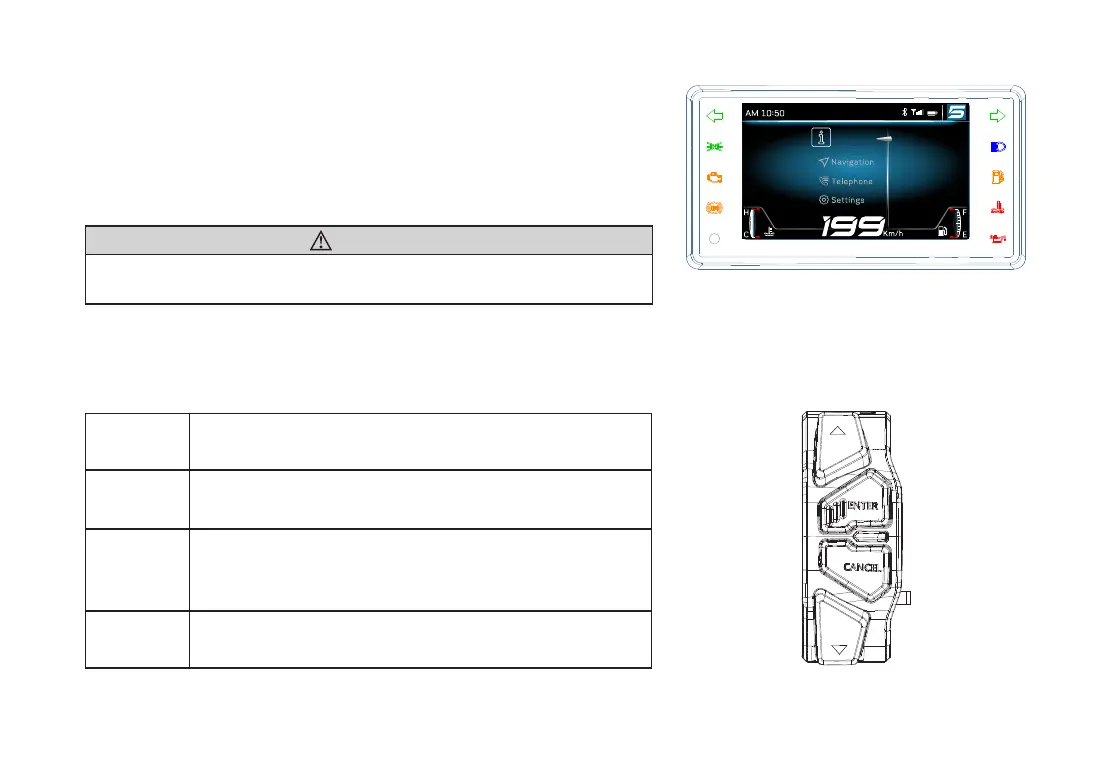
Long press the “ENTER” button on the handlebar switch to
enter into instrument menu�
WARNING
Instrument menu can be entered only when the vehicle is
stopped and safety�
Instrument Switches
Instrument switches are located on the right side of left
handlebar, used for operating instrument functions�
△
Short press to choose the upper item�
ENTER
Short press to enter into next menu�
Long press to enter into menu from home interface�
CANCEL
Short press to return back to the last item�
Long press in menu interface to return back to
home interface�
▽
Short press to choose the next item�
Information



 To Next Page