68
OPERATING YOUR VEHICLE
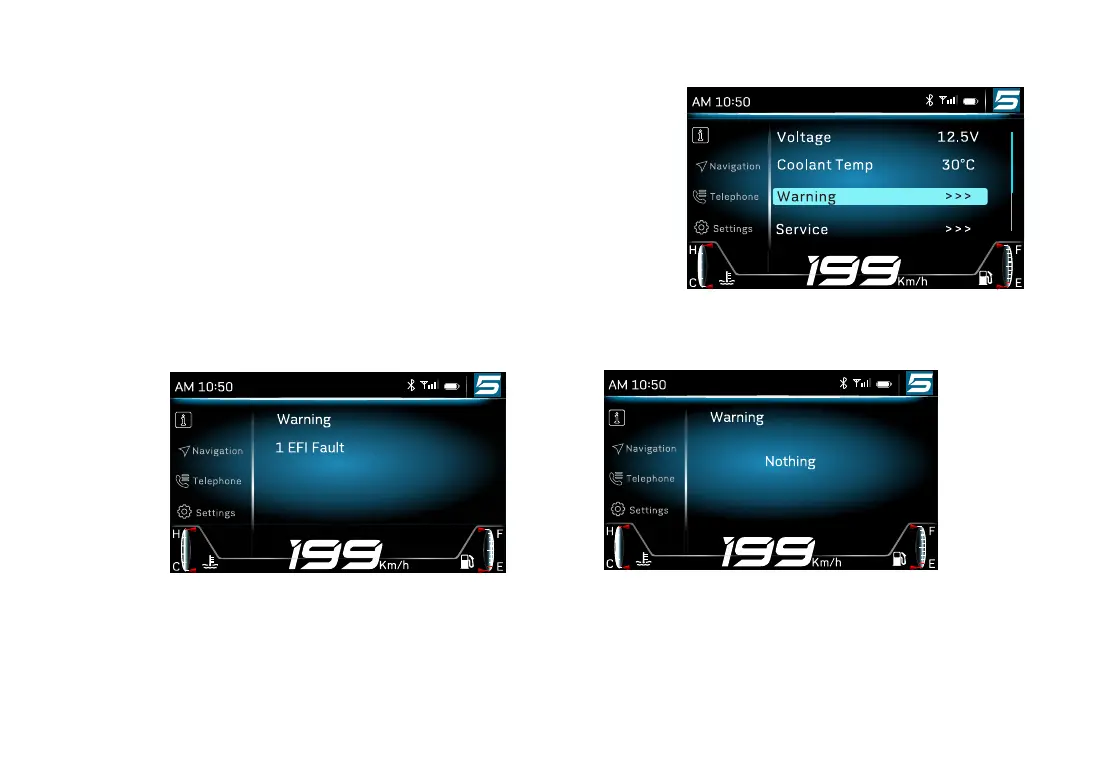
Long press “ENTER” to enter into menu�
Short press “
△
” or “
▽
” to select the “Information”, press
“ENTER” to open the select item�
Short press “
△
” or “
▽
” to select “warning”, press “ENTER” to
open warning item�
Warning item will display all current faults of the vehicle, please
contact CFMOTO authorized dealer to eliminate all the faults�
Information
Information
Information
Example with fault� Example without fault�



 To Next Page