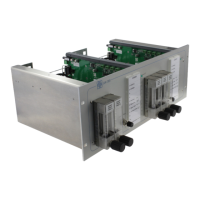
Description of display- and operating controls:
Power/LT (green):
LED is shining permanently, if the module is connected to the power supply. By pressing the button the
function of LEDs can be checked (all LEDs are shining).
Sample 1 (green):
LED is shining permanently, if sample gas 1 is switched to the analyzer.
Sample 2 (green):
LED is shining permanently, if sample gas 2 is switched to the analyzer.
Sample 3 (green):
LED is shining permanently, if sample gas 3 is switched to the analyzer.
Sample 4 (green):
LED is shining permanently, if sample gas 4 is switched to the analyzer.
Service (yellow):
LED is shining permanently, if DCS releases manual service handling.
Zero Gas (yellow):
LED is shining permanently, if zero gas is switched to the analyzer.
Span Gas (yellow):
LED is shining permanently, if span gas is switched to the analyzer.
Flow 1 (red):
LED is shining by individual customer requirements. The LED can shine for instance if the gas flow of
sample gas 1 is in tolerance range or outside of tolerance range.
Flow 2 (red):
See above „Flow 1“.
Flow 3 (red):
See above „Flow 1“.
Flow 4 (red):
See above „Flow 1“.



 To Next Page