Need help?
Do you have a question about the Chacon 34548 and is the answer not in the manual?
Open the Chacon Cam app and tap '+' to initiate adding a new camera.
Choose the option to scan the camera's QR UID for identification and pairing.
Scan the QR code on the camera's back or 'easy scan' card to complete setup.
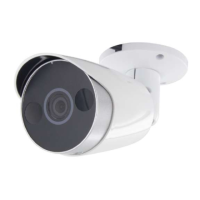
Securely attach the mounting bracket to the wall using the provided three screws.
Attach the camera to the installed mounting bracket using a single screw.
Restore camera to factory defaults by holding the reset button for 10 seconds.
 General
| Brand | Chacon |
|---|---|
| Model | 34548 |
| Category | Security Camera |
| Language | English |


 To Next Page