EN
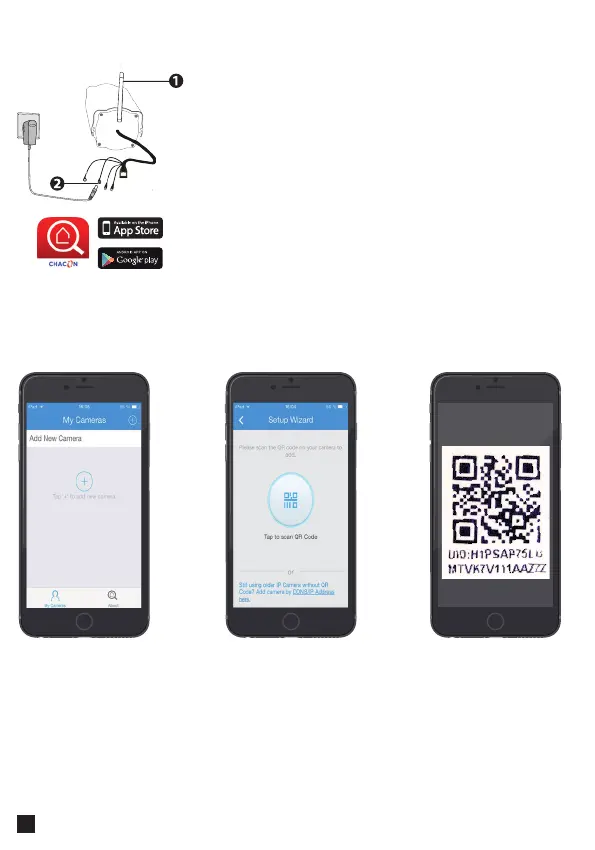
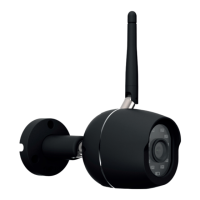
1. Install Wi-Fi antenna and position upright.
2. Connect only the POWER to your IP Camera. (do not
use the ethernet (RJ45) cable.)
2. Wait until the camera is ready to use : you will hear a
«click».
3. Connect your mobile phone on the same Wi-Fi
network that you will use for the Camera
4. Download the «Chacon Cam» app from the appstore
or Google Play.
Hardware connection
Add a camera
Open the app and
press “+” to add a
camera
Select the option
Scan with “QR UID”
Scan the QR Code
at the back of the IP
Camera or on the
«easy scan» card.



 To Next Page