Need help?
Do you have a question about the Chacon IPCAM-FE01 and is the answer not in the manual?
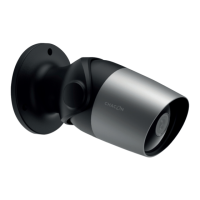
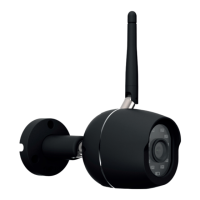
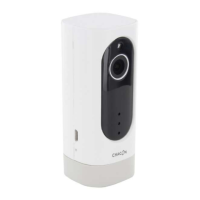
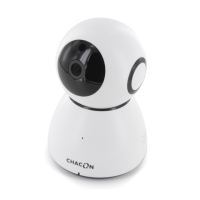
Overview of the camera's physical features and components, including fixation, angle, frame, night vision, and memory.
Details on how the camera is mounted to a wall.
Information about the camera's wide-angle lens.
Description of the camera's durable aluminium housing.
Features related to the camera's low-light and night vision capabilities.
Details on the camera's built-in 4GB internal storage.
Instructions for finding and installing the 'Chacon cam+' mobile application.
Steps for launching the app and creating a user account.
Process for linking the Wi-Fi camera to the mobile application.
Overview of the camera's interface, settings, and functions.
Viewing and managing recorded events triggered by motion detection.
Accessing user account, profile, and other personal settings.
Instructions on how to restore the camera to its factory default settings.
Contact information and website for support.
Technical details of the Wi-Fi camera.
Explanation of symbols and regulatory compliance information.
 General
| Brand | Chacon |
|---|---|
| Model | IPCAM-FE01 |
| Category | Security Camera |
| Language | English |

 To Next Page