NL
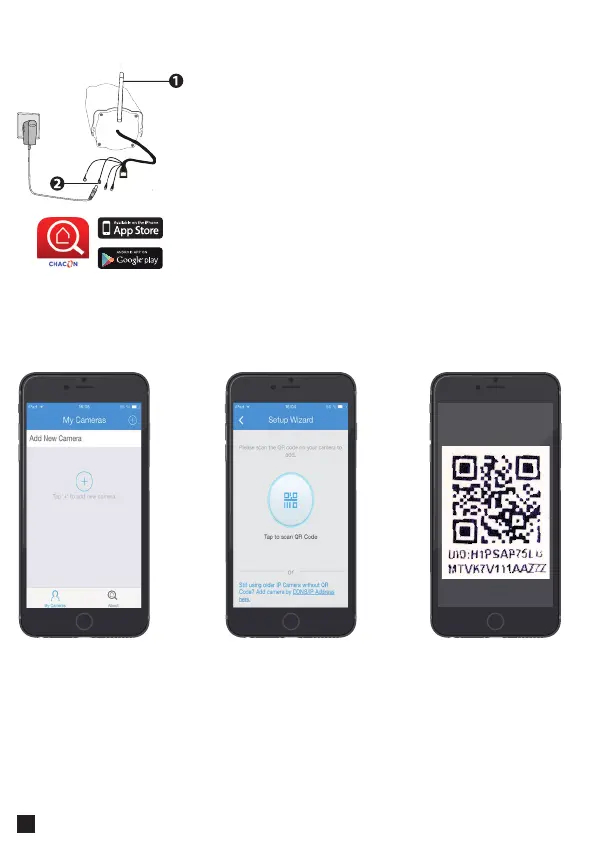
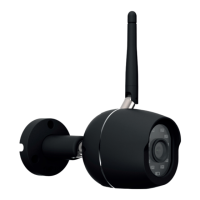
1. Installeer de wi-antenne en zet deze rechtop.
2. Sluit uw IP-camera enkel aan op de voeding. (gebruik
niet de ethernetkabel (RJ45))
2. Wacht tot de camera klaar is voor gebruik; u hoort
dan een klik.
3. Verbind uw mobiele telefoon met hetzelfde
winetwerk als het netwerk dat u gebruikt voor de
camera.
4. Download de 'Chacon Cam'-app in de App Store of via
Google Play.
Verbinden van de hardware
Toevoegen van een camera
Open the app and
press “+” to add a
camera
Select the option
Scan with “QR UID”
Scan the QR Code
at the back of the IP
Camera or on the
«easy scan» card.



 To Next Page