PT
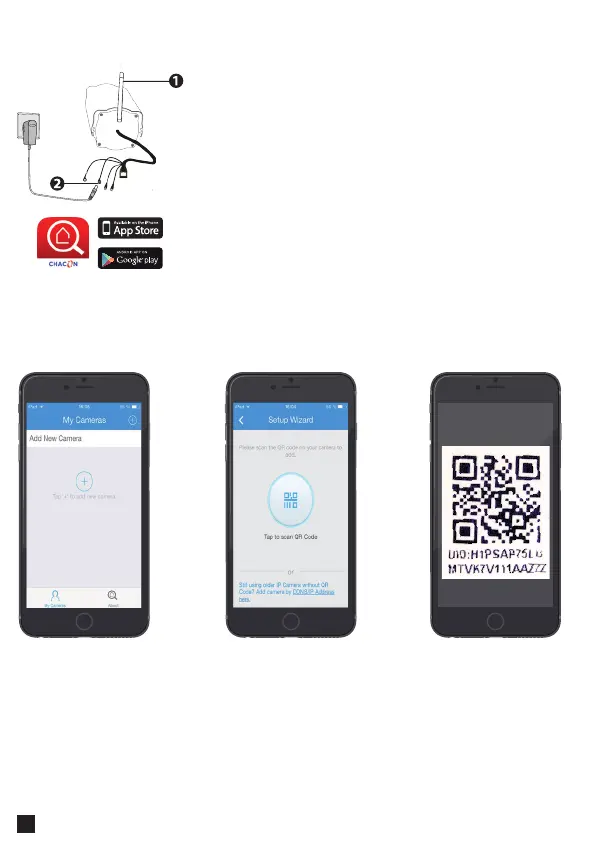
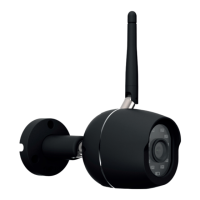
1. Instale a antena Wi-Fi e posicione-a na vertical.
2. Ligue apenas a ALIMENTAÇÃO à Câmara IP. (não
utilize o cabo Ethernet (RJ45).)
2. Aguarde até a câmara estar pronta a utilizar: vai ouvir
um estalido.
3. Ligue o seu telemóvel à mesma rede Wi-Fi que vai
utilizar para a Câmara
4. Transra a aplicação "Chacon Cam" a partir da App
Store ou Google Play.
Ligação de hardware
Adicionar uma câmara
Open the app and
press “+” to add a
camera
Select the option
Scan with “QR UID”
Scan the QR Code
at the back of the IP
Camera or on the
«easy scan» card.



 To Next Page