Chapter 3
40
3-10 Load Optimized Defaults
Load Optimized Defaults loads the default system values directly from the Standard
CMOS Features menu (Figure3-1). If the stored record created by the setup program
becomes corrupted and therefore unusable, these defaults will be loaded automatically
when you turn on the computer.
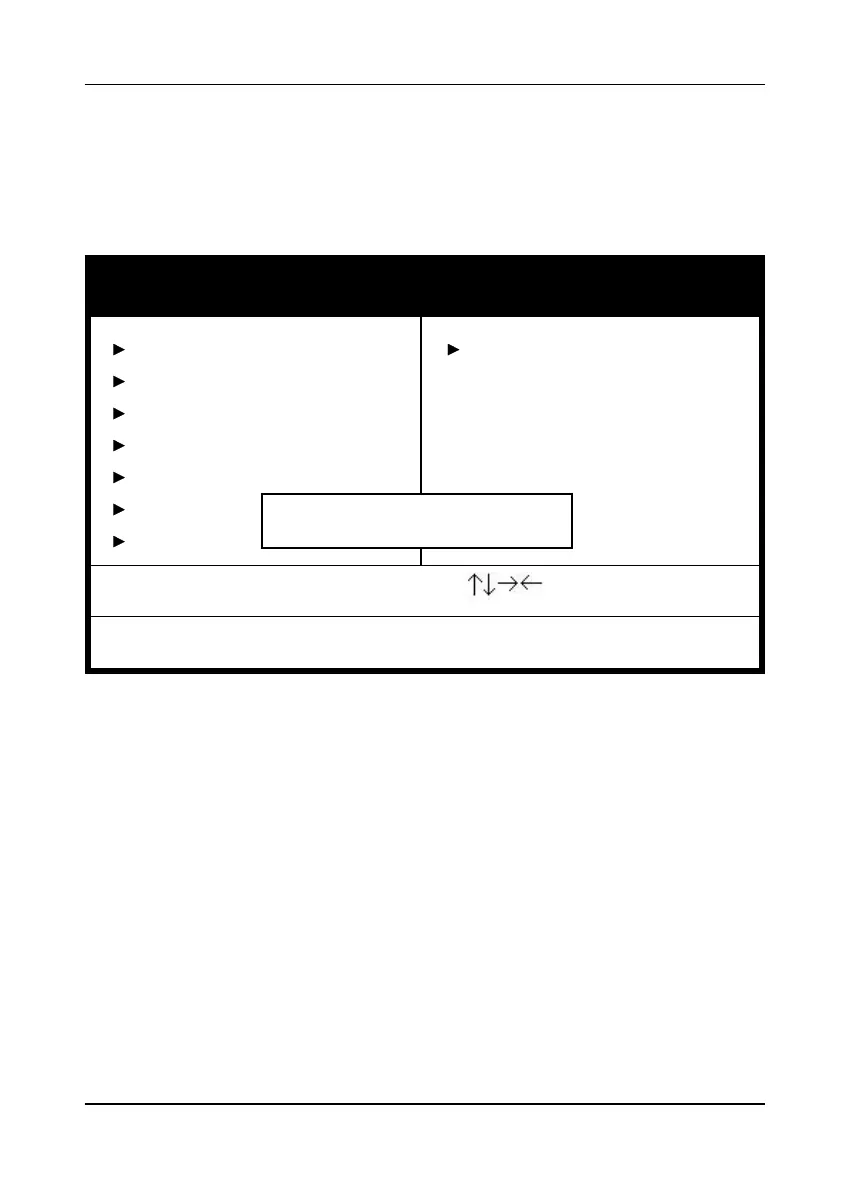
Figure 3-11 Load Optimized Defaults Screen
CMOS Setup Utility- Copyright (C) 1984-2001 Award Software
Standard CMOS Features
Advanced BIOS Features
Advanced Chipset Features
Integrated Peripherals
Power Management Setup
PnP/PCI Configur
PC Health Status
Frequency/Voltage Control
Load Fail-Safe Defaults
Load Optimized Defaults
Set Supervisor Password
Set User Password
Setup
Saving
Esc : Quit
F10 : Save & Exit Setup
: Select Item
Load Optimized Defaults
Load Optimized Defaults (Y/N) ? N



 To Next Page