6
1.4 Device installation
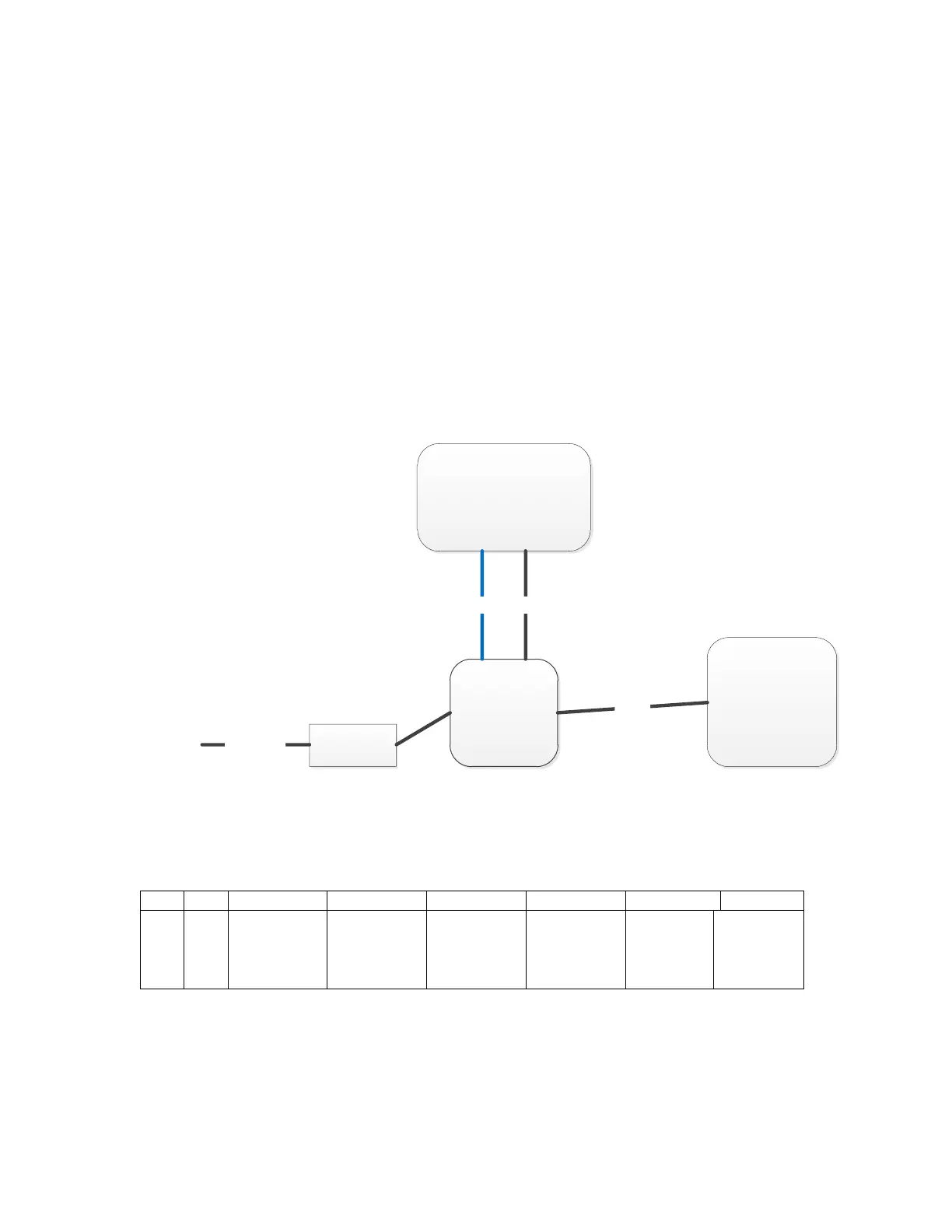
UR4 can be connected as Pic.2. PC can connect with device by
serial port cable (communication velocity is 115200bps). Also it
can be connected by Ethernet cable through RJ45 port.
(Default IP address of UR4 is 192.168.99.202, Port is 8888).
PC needs to be set with UR4 in same network segment and PC
could connect with multiple UR4 devices through switchboard
or similar. One UR4 can be connected with 4 antennas at
maximum.
UR4 contains a GPIO interface, which is defined as follows:
1、IO1-2:NC,unable to connect to any electrical level;


 To Next Page