8
2.2 Parameter Setup
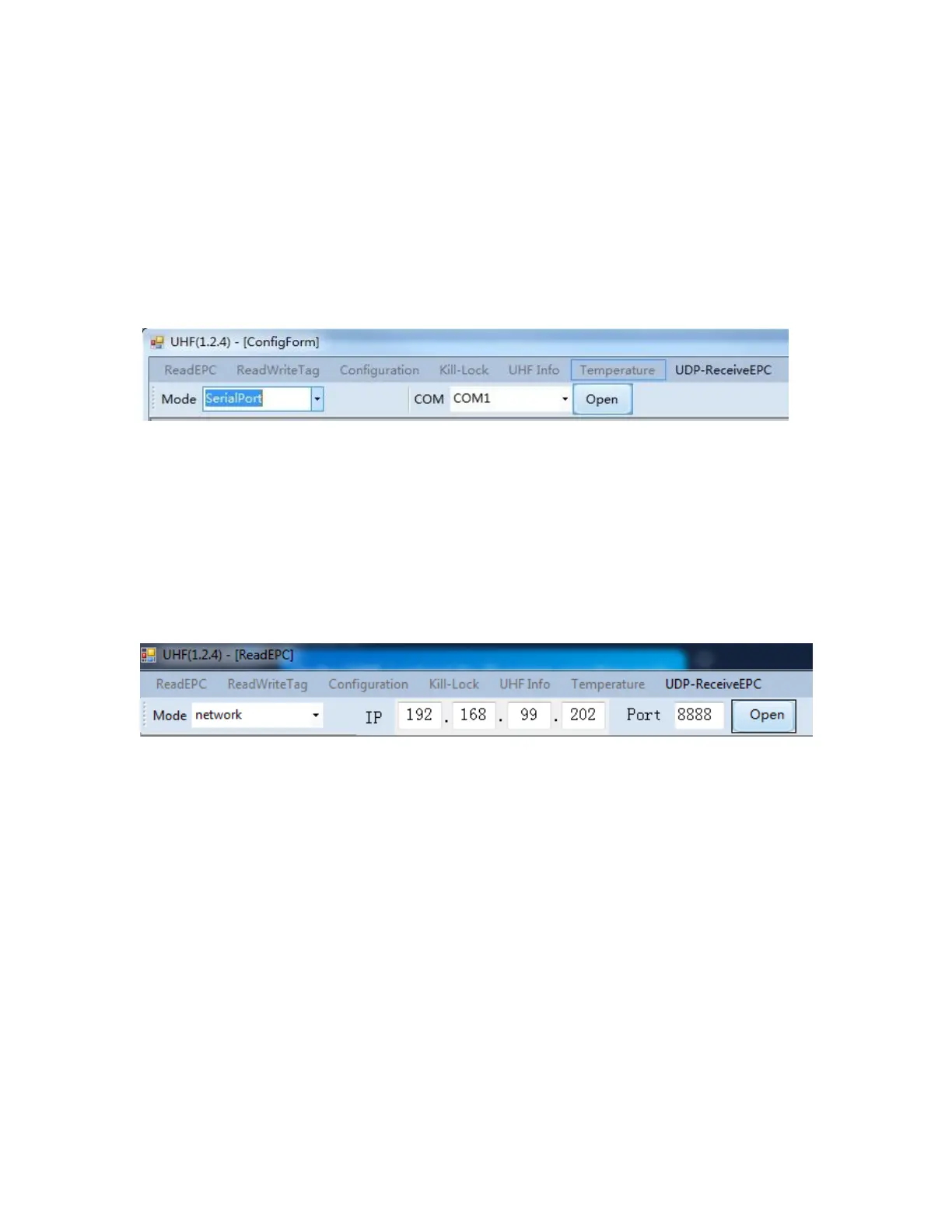
Double click UHFAPP.exe to enter software, and connect with device
through serial port line. Select Mode to “SerialPort”, select COM to
according serial port on PC. Click “Open” to connect with device,
initiation page is as follows:
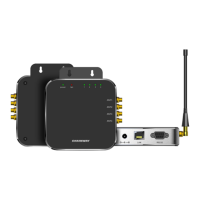
If RJ45 has been used as connection, communication Mode needs to
be selected as “network” and input IP address and port number
(default IP address is 192.168.99.202, Port is 8888.) Then click
“Open” to connect PC and device. After PC and device have been
connected, the status page is as follows:


 To Next Page