10.0 Parts List
24
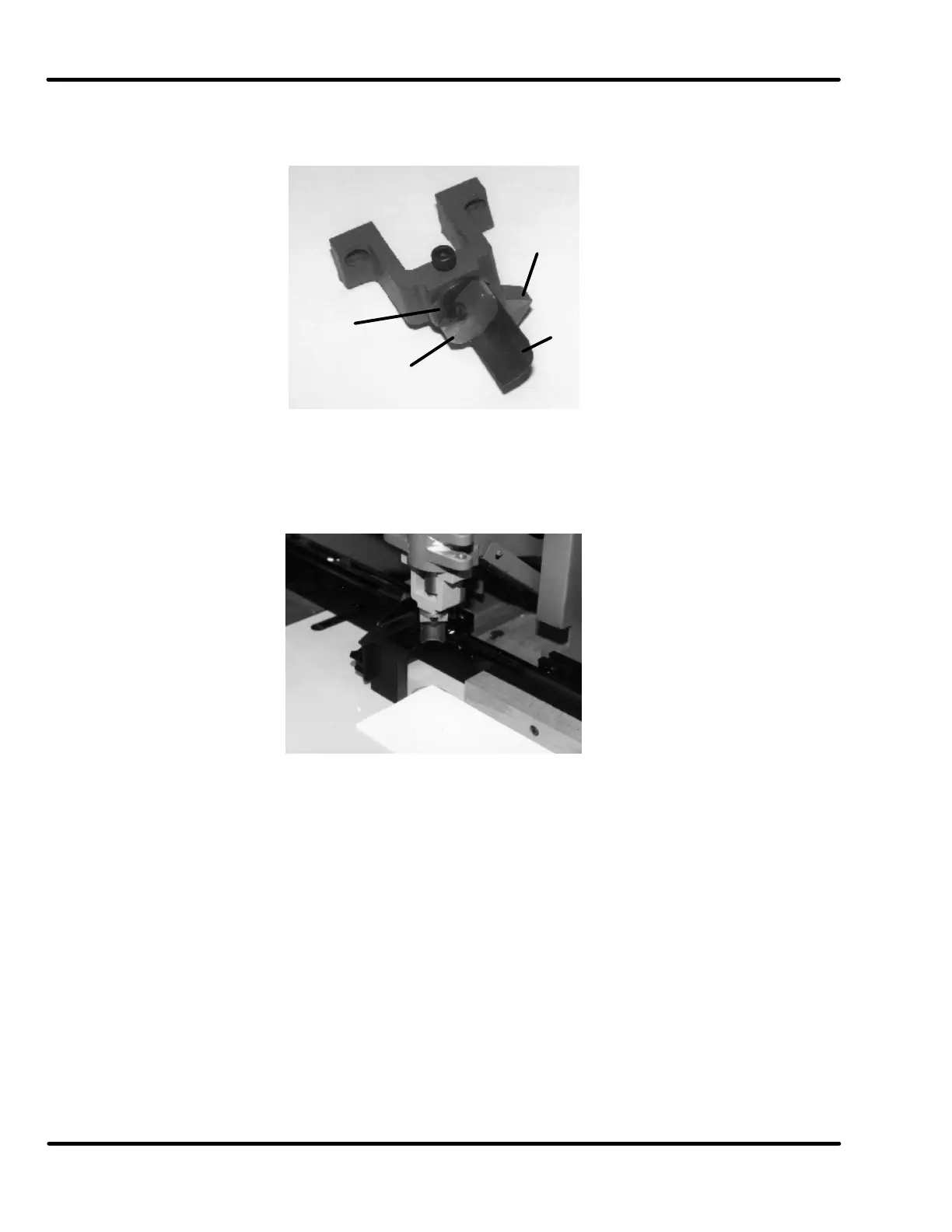
When using the straight diagonal knife, the bracket is reversed, with the holder socket screw facing
the operator. The holder mounting screws are then in the forward position.
Figure 18
Install the knife holder assembly in the bracket and tighten the knife holder socket screw. The knife
holder comes assembled with the knife installed. Double check to make sure the knife blade is held
firmly by tightening the socket screw.
Figure 19
Make adjustments to the paper by positioning the side and back gauges. The knife is squared to the
paper by loosening the knife holder socket screw and rotating the knife holder assembly so that the
knife-edges match up to the sides of the paper.
Your Challenge paper drill is now ready to corner.
NOTE: Maximum cutting capacity is 1/2” (13 mm). Be sure to check the stroke adjustment to
prevent the knife from cutting too deep into the cutting block.
Blade
Holder
Nut
Socket
Knife
Holder


 To Next Page