37
Operation
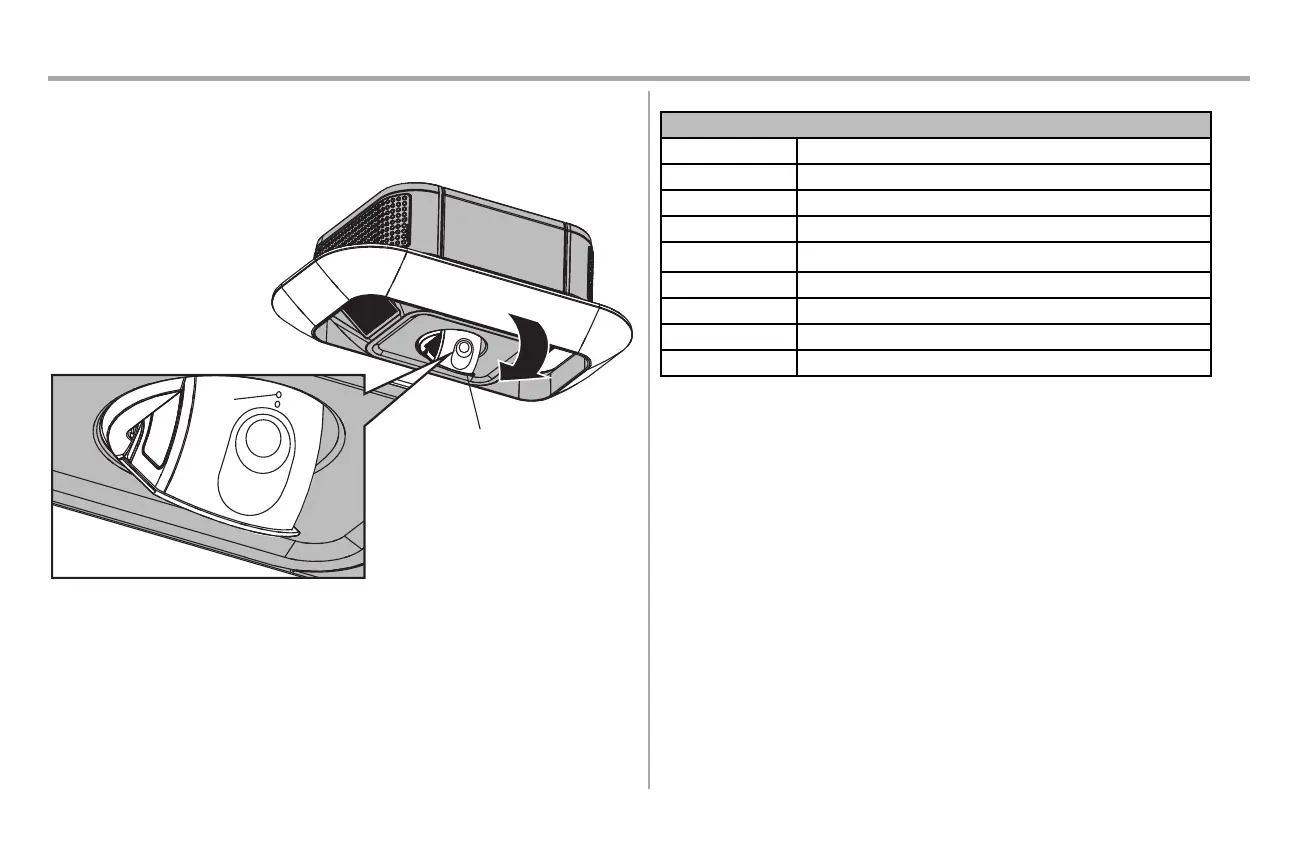
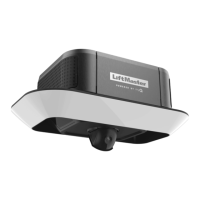
Set Up the Camera - Models 87504-267 and 84505R
1. Download the myQ
®
app and setup your account if you haven't already, see page 36.
2. Follow the instructions in the app to setup and use the camera.
The camera powers up when it is opened and powers down when closed.
Camera Status
LED Definition
Flashing Blue Camera is attempting to connect to the mobile device.
Solid Blue Camera is connected to the mobile device.
Flashing Blue and Green Camera is attempting to connect to the router.
Flashing Green Camera is connected to the router and attempting to connect to myQ
®
server.
Solid Green Camera is connected and working normally.
Solid White Camera is powering up.
Flashing Red Camera is overheating.
Flashing Purple Camera firmware is updating.






 To Next Page