34
Operation
Usingyour Door Control
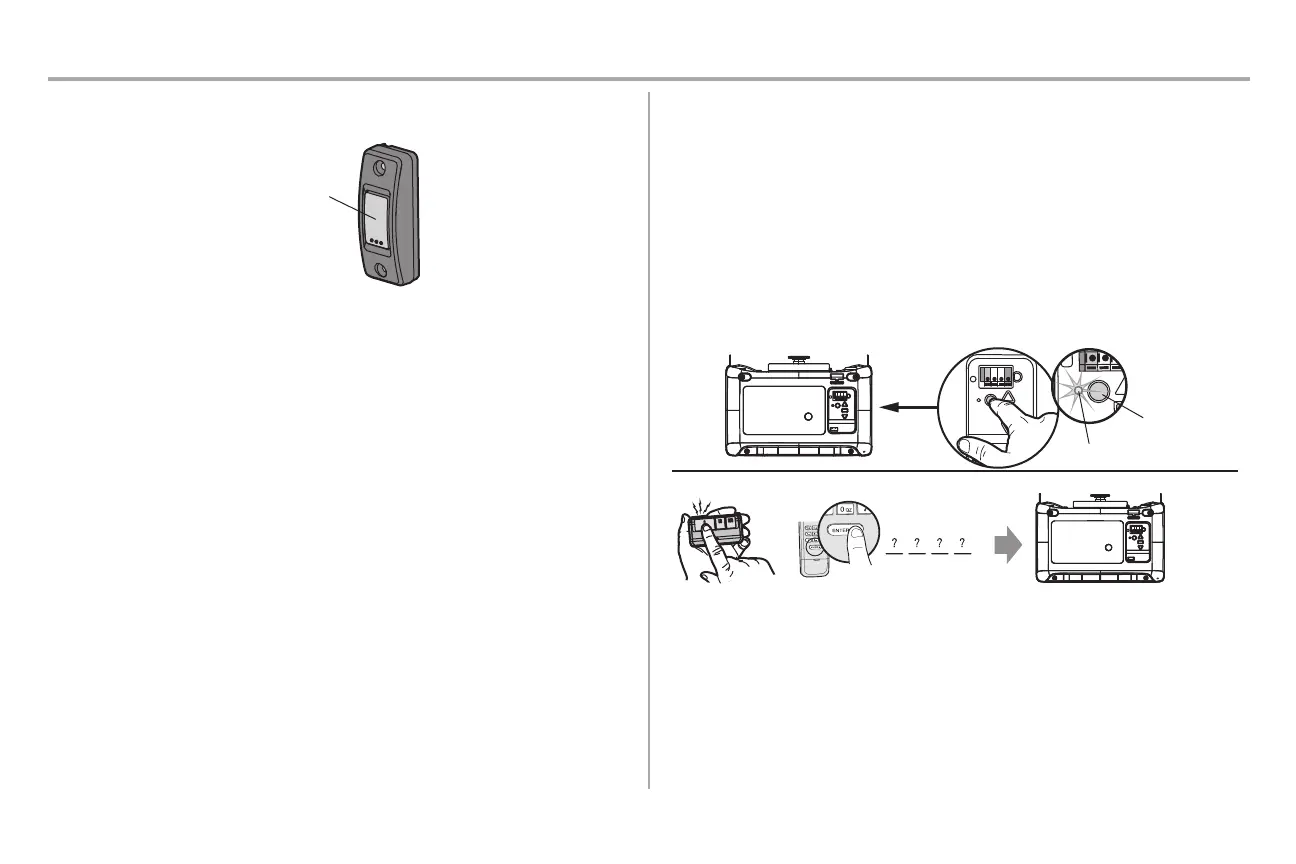
PUSHBUTTON DOORCONTROL
SYNCHRONIZE THE DOOR CONTROL: To synchronize the door control to the garage door opener, press the
push button until the garage door opener activates (it may take up to 3 presses).
PUSH BUTTON: Press the button to open or close the door.
Remote Controland KeylessEntry
PRE-PROGRAMMED REMOTE CONTROL INCLUDED, NO NEED TOPROGRAM THE
REMOTE.
To add or reprogram a remote control, follow the instructions below. Older Chamberlain remote controls are
NOT compatible.
PROGRAM USINGTHE GARAGEDOOR OPENERLEARNBUTTON
1. Locate the LEARN Button.
2. Press and immediately release the LEARN button. The LEARN LED will glow steady for 30 seconds.
Within 30 seconds...
3. Remote Control: Press and hold the button on the remote control that you wish to use.
Keyless Entry: Enter a 4-digit personal identification number (PIN) of your choice on the keyless entry
keypad. Then press and hold the ENTER button.
Release the button when the garage door opener lights blink or two clicks are heard.
“click”
“click”
PIN
OR
1-2
3
LEARN LED
LEARN
Button
HomeLink®
If your vehicle is equipped with HomeLink®, a Compatibility Bridge™ (not included) may be necessary for
certain vehicles. Visit bridge.chamberlain.com to find out if a Bridge is needed.



 To Next Page