7
TYPE 5
Genie Intellicode 2 garage door openers
with: Program/Set button.
Select and write a 4-digit PIN:
__ __ __ __
1
Programming
Opener
2
If opener does not function, repeat programming.
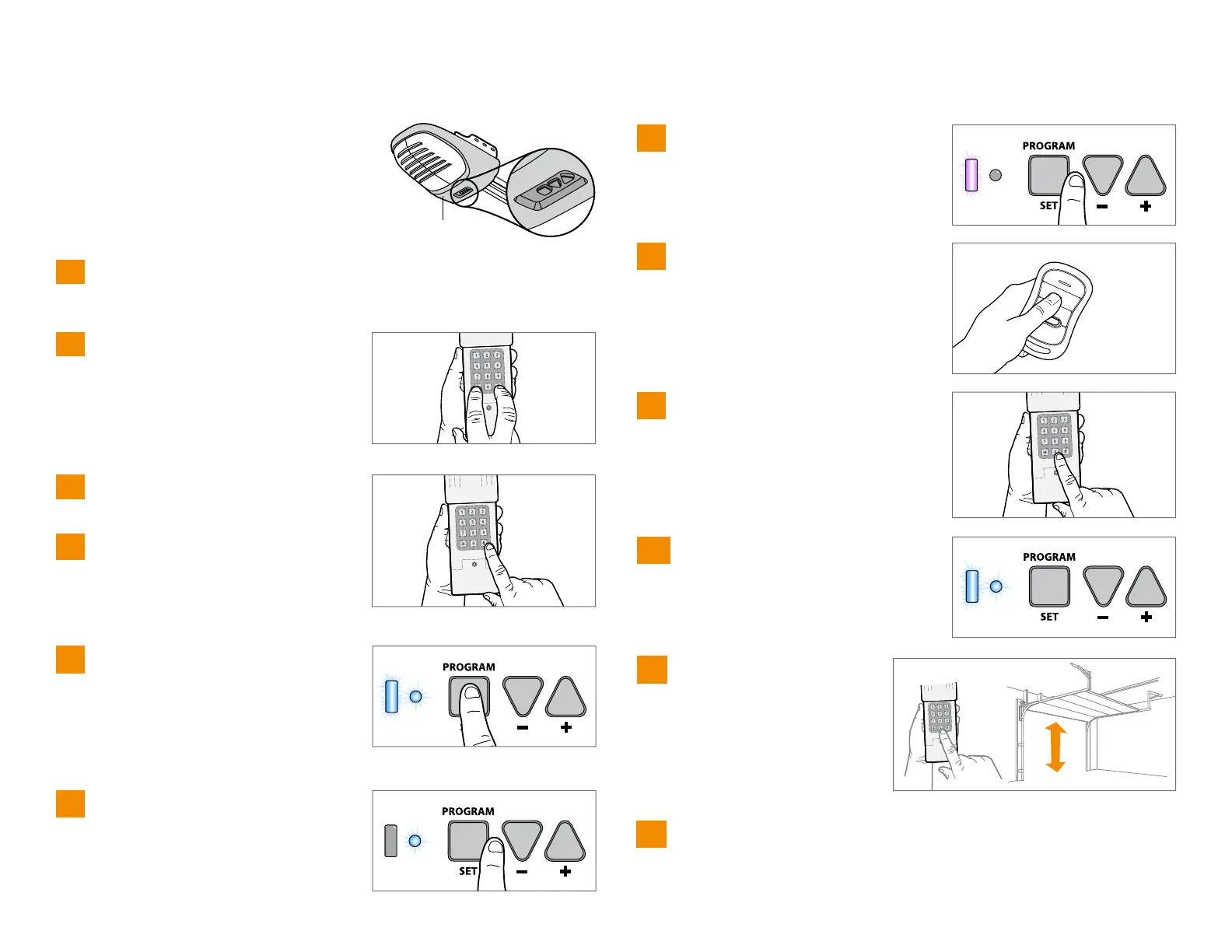
Enter PIN from step 1, press #.
Press 5, then press #.
On the garage door opener, press
and hold the Program/Set button
until both the long and short LED
light up BLUE.
Release the Program/Set button and
only the round LED will be lit in
BLUE.
Press and release the Program/Set
button and the long LED will flash
PURPLE.
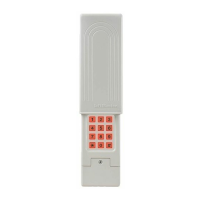
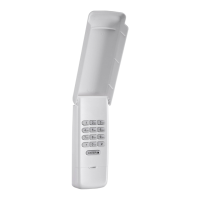
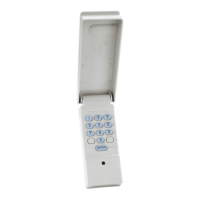
On the CLICKER
®
keypad, press
and release 0 again. Both LEDs on
the garage door opener will light
up BLUE.
On the Genie
®
remote control,
press and release the button that is
already programmed to the garage
door opener. Both LEDs will flash
PURPLE.
On the CLICKER
®
keypad, enter
the PIN from step 1, and press
and release the 0 key. Both LEDs
on the garage door opener will
light up PURPLE.
On the CLICKER
®
keypad,
press and release 0 again.
This will activate the garage
door opener and
programming is complete.
4
5
6
7
10
8
9
11
Press and hold the * and # buttons
until keypad stops flashing.
3
To test and use, wait 30 seconds, then enter
your PIN and press the 0 key.
12


 To Next Page