8
Installation
Battery
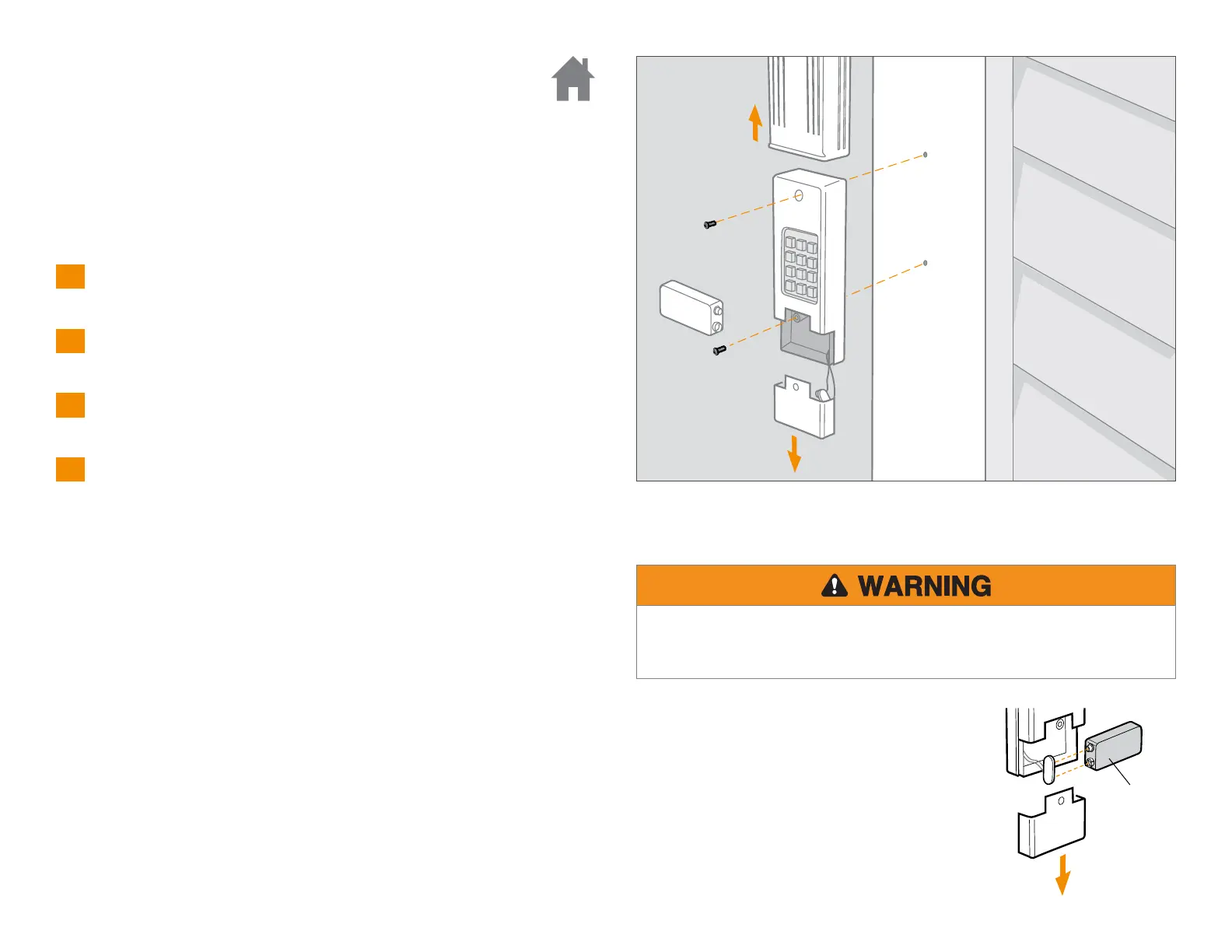
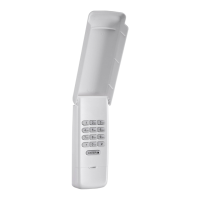
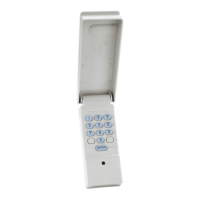
Remove cover.
1
Remove battery cover to expose mounting holes.
2
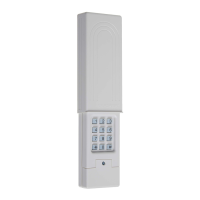
Remove battery and mount keypad using screws provided.
3
Reassemble.
4
Install out of reach of small children at a minimum height of 5 feet (1.5 m) above
floors, landings, steps or any other adjacent walking surface, and away from ALL
moving parts of door. Secure keypad to a smooth surface. Mount the keypad out
of the path of the moving garage door, but within sight of it (4" [10 cm]
clearance is needed for the cover).
Changing your 4-digit pin
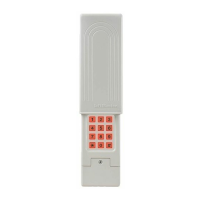
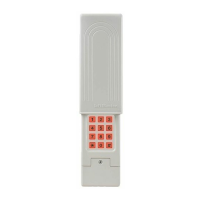
Enter existing PIN, press *, enter new PIN and press *.
To test and use, enter your new PIN and press the 0 key.
Replace the 9-Volt battery when keypad light
becomes dim or does not light up. Slide cover up,
remove battery cover, and replace battery.
Re-programming may be necessary.
9V Battery
To prevent possible SERIOUS INJURY or DEATH:
• NEVER allow small children near batteries.
• If battery is swallowed, immediately notify doctor.
1
2
3


 To Next Page