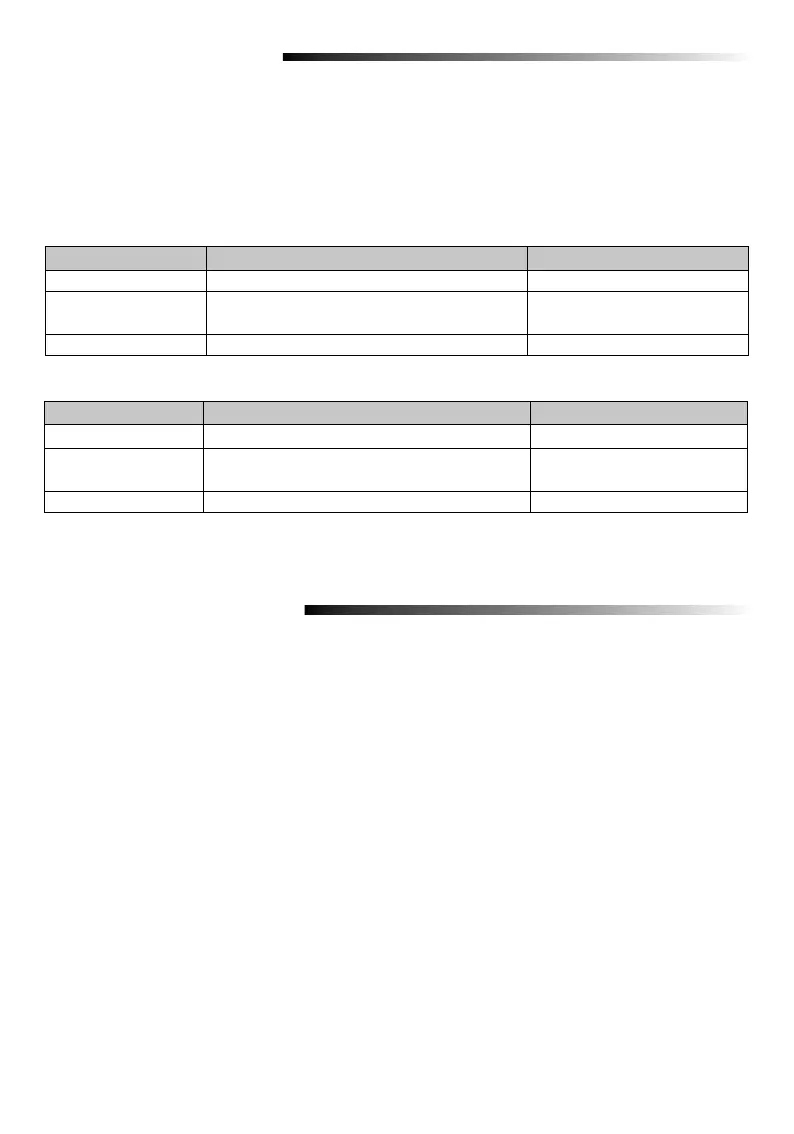
3
Program to LiftMaster Operator
NOTE: The Master Code and a PIN need to be set before the gate operator can be programmed. See Basic
Programming.
KPW5 - The frequency and encryption are set at the factory. Proceed to Step 4.
KPW250 - The frequency and encryption are set at the factory for LiftMaster Security+ 2.0 (tri-band 310,
315, and 390 MHz) operators. Proceed to Step 4.
For LiftMaster Security+ (315 MHz or 390 MHz), the frequency and encryption need to be set.
Proceed to Step 1.
1. Enter program mode:
*
(Master Code) #
2 Set frequency and encryption (KPW250 only):
• LiftMaster Security+ 315 MHz - Press 03 # 2 #. A long tone will sound.
• LiftMaster Security+ 390 MHz - Press 03 # 3 #. A long tone will sound.
• To reset factory default - Press 03 # 1 #. A long tone will sound.
3. Exit Program Mode:
*
*
#.
4. Press the Learn Button on the operator.
5. Within 30 seconds - Enter a valid 4-digit PIN then press #. A long tone will sound.
PROGRAM TO OPERATOR
BASIC PROGRAMMING
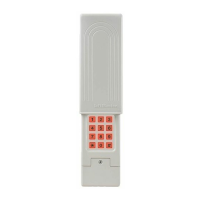
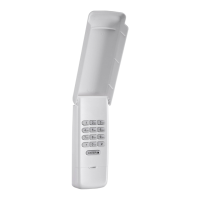
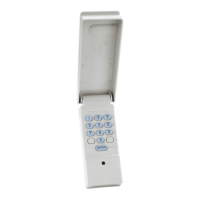
The Wireless Commercial Keypad must be put into programming mode prior to any of the programming steps
below unless otherwise indicated. The keypad backlight will remain on if the product is in programming mode.
While in programming mode, if an invalid code is entered, an error tone will sound, but the keypad will remain
in programming mode. After 60 seconds of inactivity, the keypad will exit the programming mode. The 6-digit
Master Code is used to prevent unauthorized access to the system. A Master Code is required (factory default
code: 888888) to operate the Wireless Commercial Keypad. It is highly recommended to change and record
your unique Master Code.
Programming Step Keystroke Combination Indicator
1. Enter program mode
*
(Master Code) #
Long tone
2. Update Master Code 09 # (New 6-digit Code) # (New 6-digit Code)
#
Long tone
3. Exit Program Mode
*
*
#
Keypad backlight will turn off
Programming Step Keystroke Combination Indicator
1. Enter program mode
*
(Master Code) #
Long tone
2. Set new pin 01 # (New 4-digit PIN) # Repeat (new 4-digit
PIN) #
Long tone
3. Exit Program Mode
*
*
#
Keypad backlight will turn off
NOTE: An error tone will sound if the maximum number of PINs is exceeded or if user tries to program a PIN
already programmed in the memory.
Set Master Code
Program a PIN


 To Next Page