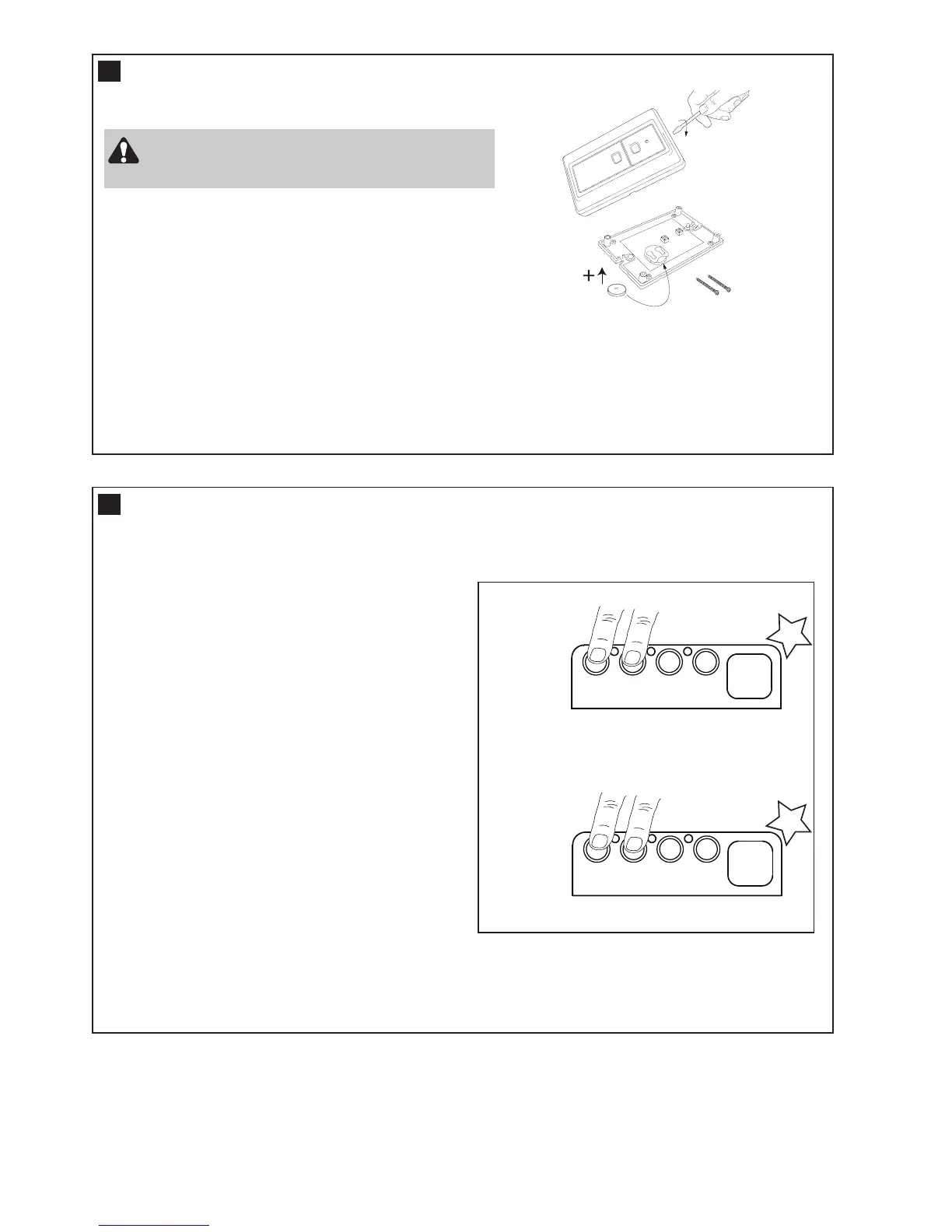
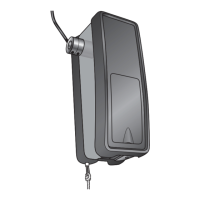
INSTALLING YOUR 128EV WIRELESS WALL BUTTON
To install:
• Carefully pry open the 128EV and locate the two screws for
mounting.
• Attach to the wall using the two screws and wall anchors
provided if mounting to a plaster wall. If using a recessed wall
box do not use anchors.
NOTE: Do not overtighten screws.
18
13
Disconnect power to the opener whilst installing
this accessory to prevent accidental activation.
Locate minimum 1.5 m above the floor
NOTE: The wall control supplied with your opener should be pre-programmed by the factory.
If adding a new wall control, program into the opener before mounting the unit as detailed in
the “Wireless Programming” section.
TRAVEL SPEED (OPTIONAL)
19
There are two travel speeds available for this opener.
(Regular and Slow speed)
The WeatherDrive LM550EV has been factory
set for regular speed.
Setting the SLOW SPEED:
• Start with the door fully OPEN.
• Press and Hold both “UP” and “DN”
buttons for 3 seconds.
• The Courtesy light will flash “ONCE”.
Release both buttons.
To return to REGULAR SPEED:
• Start with the door fully OPEN.
• Press and Hold both “UP” and “DN”
buttons for 3 seconds.
• The Courtesy light will flash “TWICE”.
Release both Buttons.
DNDN UPUP PP SS
11
22 33
132A2940
DNDN UPUP PP SS
11
22 33
132A2940
Flash
x 1
Flash
x 2
BEEP
BEEP
SLOW
SPEED
REGULAR
SPEED
Optional Accessory (not included)




 To Next Page