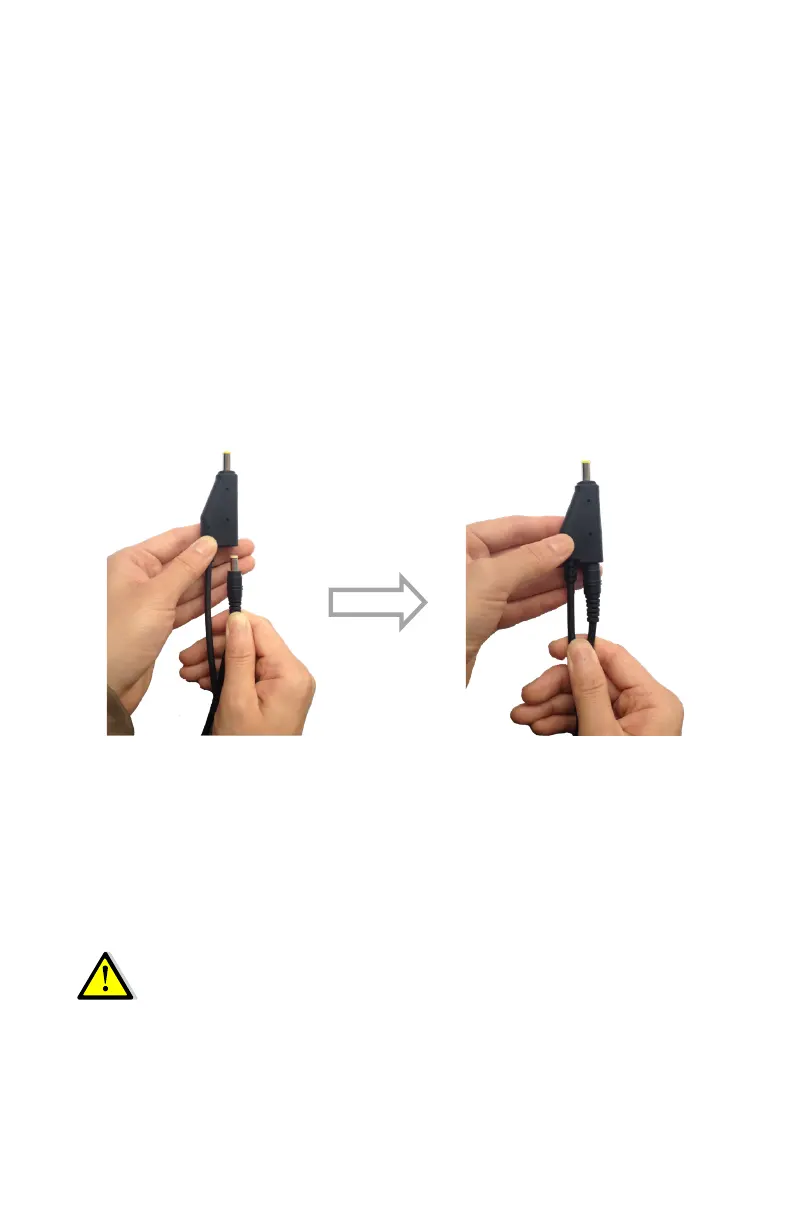
2.3.2. External Power Supply
Two methods are available for providing external power to
the receiver. Use the included GPS to USB PC Data Cable
with Power Adapter and either the wall charging adapter or
the optional 12 volt battery cable.
In the office:
The Power Adapter is connected with AC power of
100 - 240 V and the output port of the Power Adapter
connects to the Power Port of the GPS to USB PC Data
Cable.
In the field:
The external power cable is connected with a vehicle
battery, and the output port of the external power cable
connects with the Power Port of the GPS to USB PC Data
Cable.
WARNING - Use caution when connecting external
power cable’s clip leads to a vehicle battery. Do not
allow any metal object to connect (short) the bat-
tery’s positive (+) terminal to either the negative (-)
terminal or the metal part of the vehicle battery. This
could result in high current, arcing and high
temperatures, exposing the user to possible injury.
14



 To Next Page