Operation
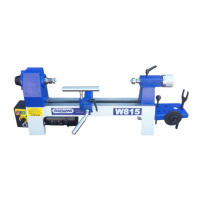
Headstock Drive Centre Tail Centre Tailstock
RPM Display Tool Rest Winding
Handle
Speed Control
On/Off Switch
Extension Bed
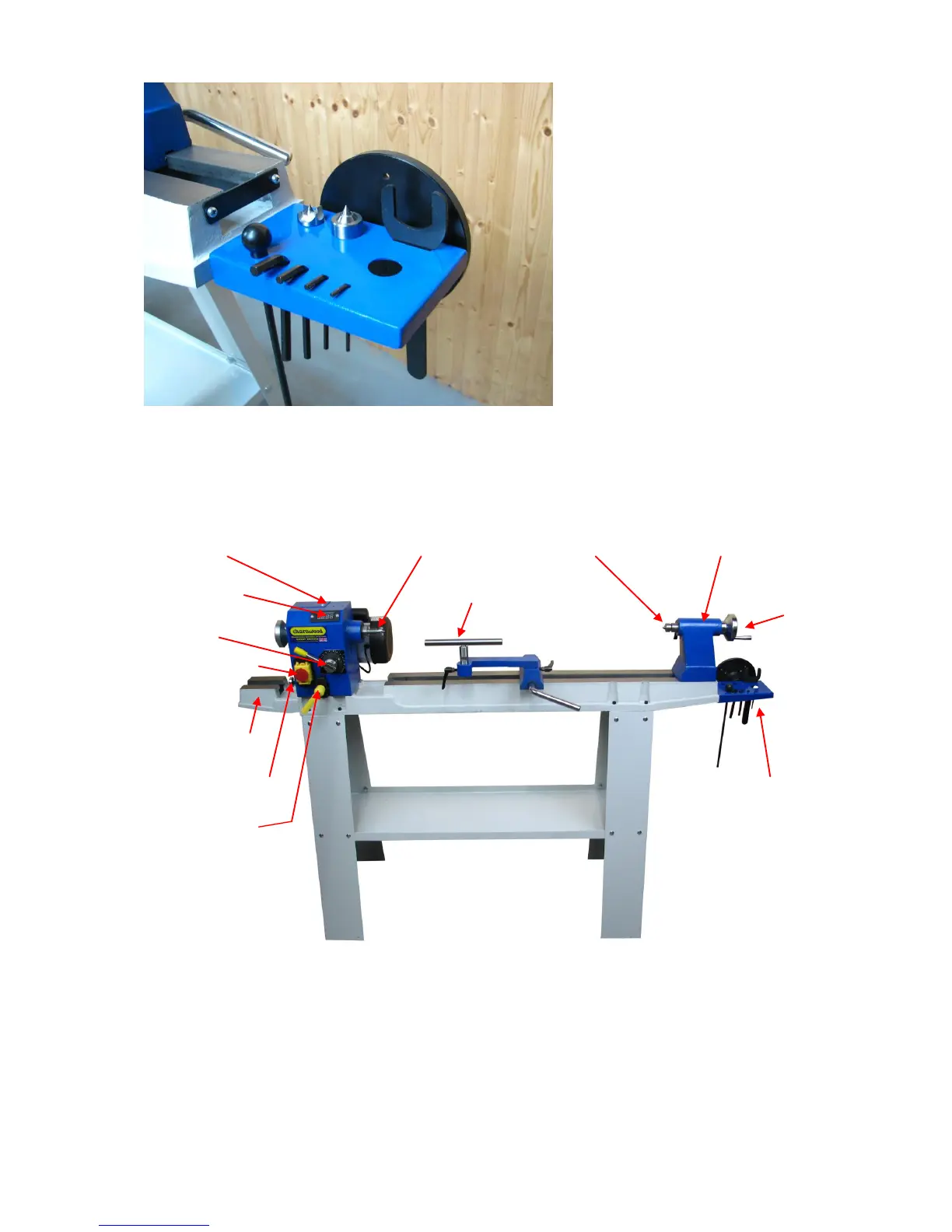
Rotation Plunger Accessory Tray
Rotation Lock
Starting and Stopping
Slide up the red switch cover and lift the cover. Press the green ‘on’ button to start
the lathe. Press the red ‘off’ button to stop the lathe. When the switch cover is down,
pressing the cover activates the stop button.
The lathe must be running before you use the speed control. To change the speed
pull the end of the lever towards you, then slowly rotate it to the desired speed. The
revolutions per minute will be indicated on the digital readout.


 To Next Page