2
1. Charge the Reader
• Unpack the reader and USB charging cable.
• Connect the reader to a USB-compatible power source and charge
for two hours. Note: If using a computer’s USB port for charging, the reader
won’t work while it’s connected to the computer. Unplug the reader from the
computer while using.
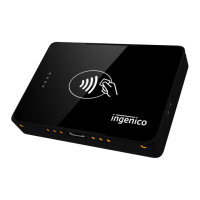
• The LED light
1
will be red while charging and turn solid green when
charged.
• Use the USB cable to recharge your card reader as needed.
• Ensure the reader is powered on. If not, press and hold the power
button
2
on the right side of reader until it beeps. Note: To preserve
the battery, the reader will automatically power o after three minutes of
inactivity. Press the power button to re-activate the reader for next transaction.
1


 To Next Page