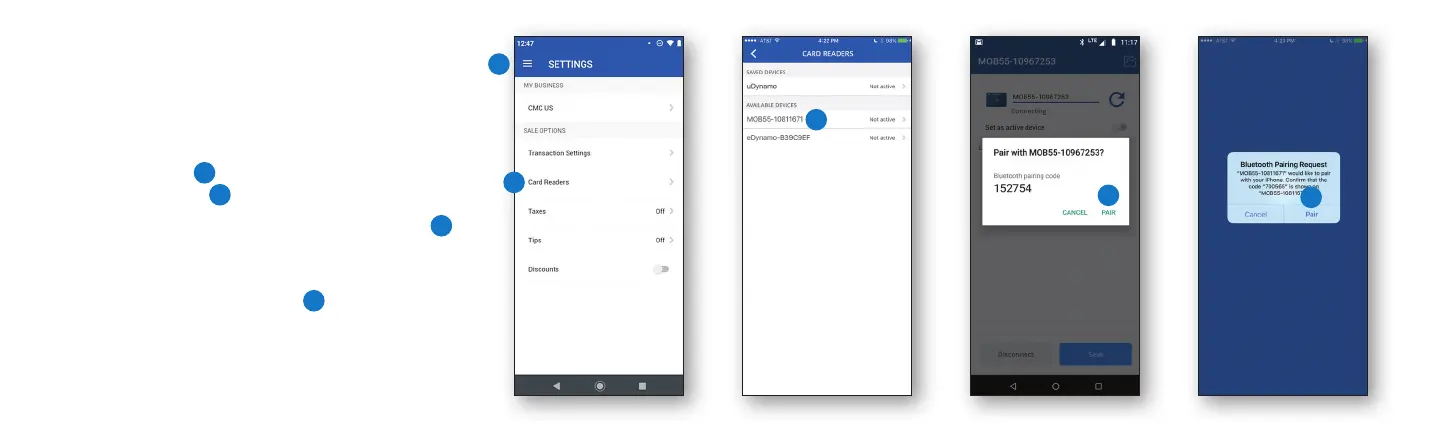
2. Start the Pairing Process
• Enable Bluetooth on your device.
• Sign in to the Chase Mobile Checkout app.
• Tap Settings
1
on the main menu, then
Card Readers.
2
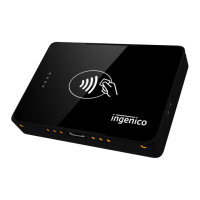
• Select the Moby reader (MOB55-xxxxxxxx)
3
in the list of available devices. (Xs represent
the last part of the reader’s serial number.)
• When prompted, tap Pair.
4
Note: A pairing
code will appear in the prompt to pair. Disregard the
code. This reader pairs using an LED light sequence
for added security.
1
3
2
4
4
Android iOS


 To Next Page