Troubleshooting
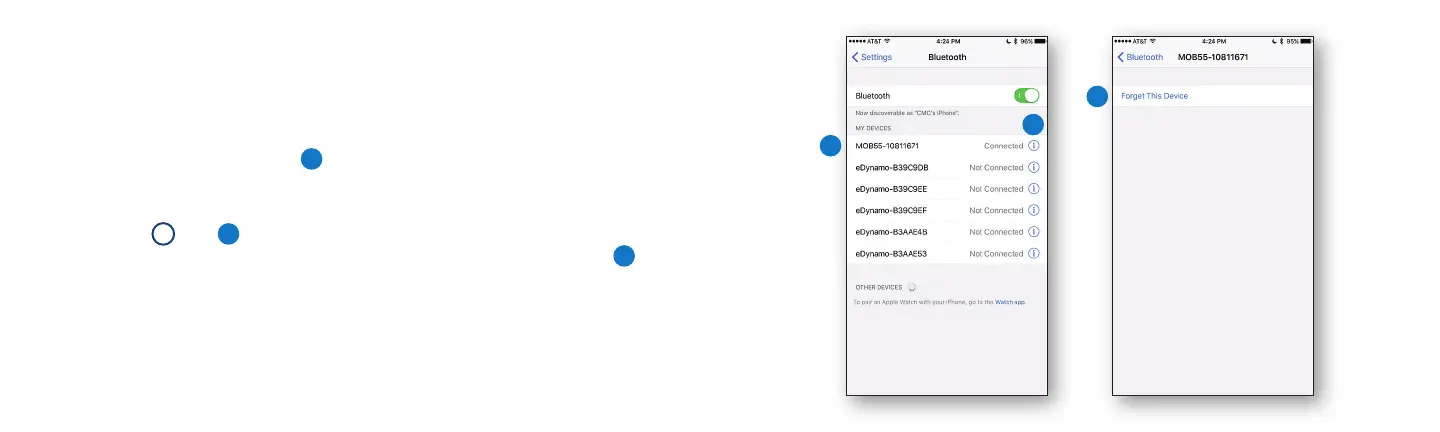
Make sure the Moby reader is paired with your device through the
Chase Mobile Checkout app, not the device’s system settings.
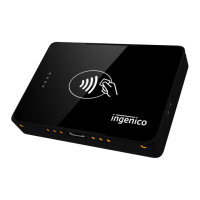
If you see the Moby reader
1
listed in the iOS Bluetooth Settings, you
will need to “forget” the reader before you can pair it in the Chase
Mobile Checkout app.
Select the
i
icon
2
next to the connected/not connected indicator for
the Moby reader you are pairing. Then select Forget This Device.
3
Minimum requirements: iOS 10, Android 6, BLE 4, and Chase Mobile
Checkout v4.1.
For help with your reader or the Chase Mobile Checkout app, visit
chase.com/mobilePOSsupport.
2
1
3


 To Next Page