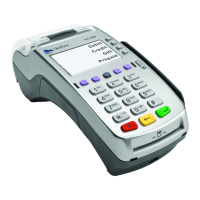
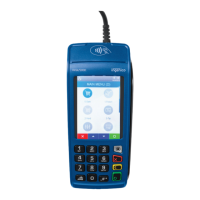
Need help?
Do you have a question about the Chase Voice Authorization and is the answer not in the manual?
Provide merchant, card, expiration, and amount as prompted by the system.
Choose the appropriate transaction type for authorization.
Specify card presence and verify the amount before receiving the code.
TD Number, card number, expiration date, and billing address are required.
Procedures for brands like American Express handling their own transactions.
Contact Chase Paymentech for suspicious transactions, potentially using Code 10.
Conditions like missing magnetic strip or signature mismatch trigger Code 10.
Matches cardholder's address and ZIP against issuer data to combat CNP fraud.
Confirms card security code on the back of the card, responding with "match" or "no match."
Explains how address and ZIP code information is matched or not matched by AVS.
 General
| Brand | Chase |
|---|---|
| Model | Voice Authorization |
| Category | Touch terminals |
| Language | English |

 To Next Page