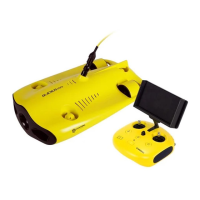
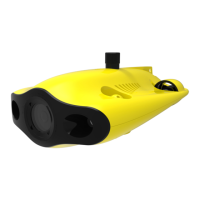
Warning:
1)Before removing or installing the Micro SD card, please switch remote controller power button to off, and wipe off the water
on the ROV;
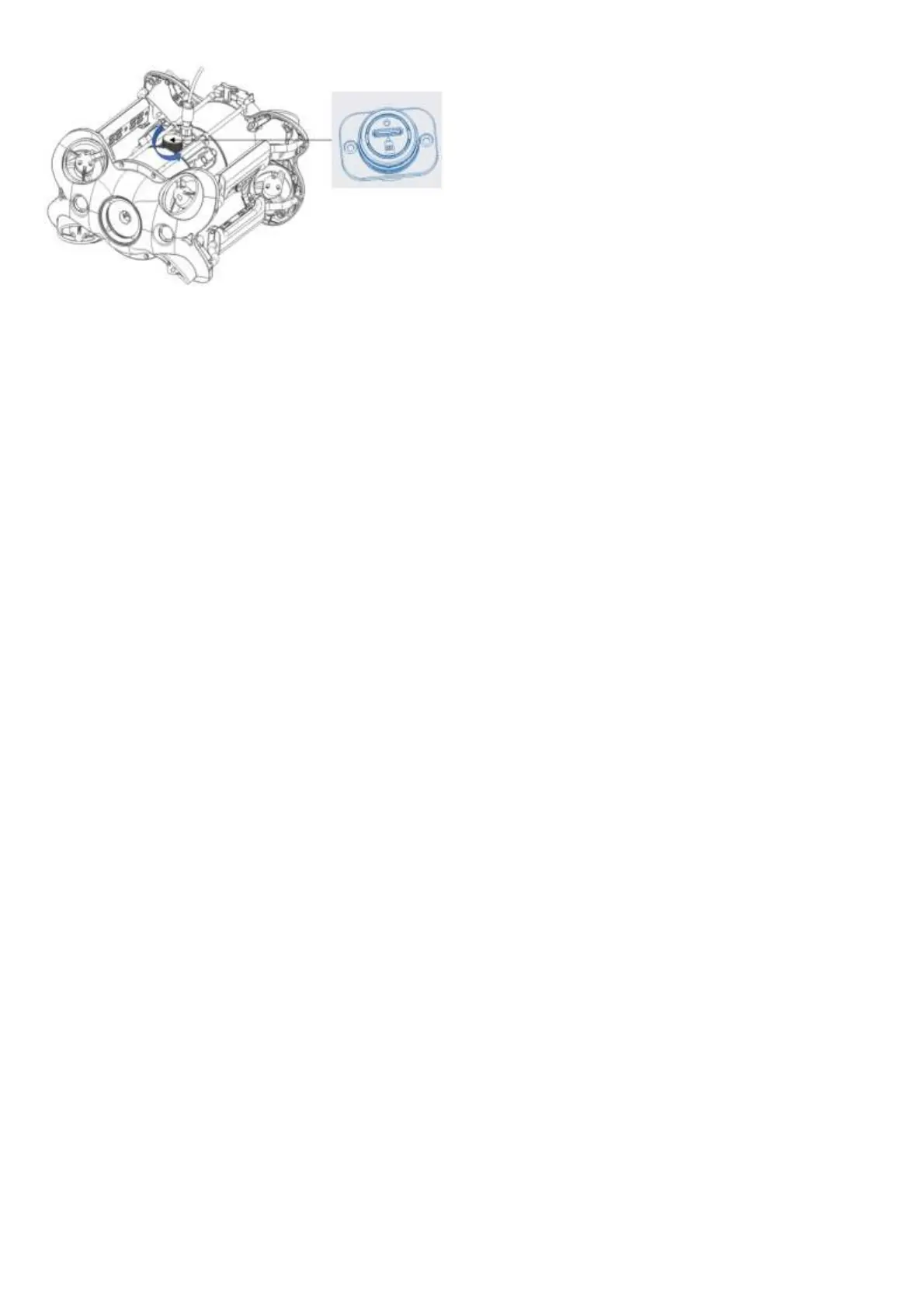
2) Check the O-ring on the tether connector, please be sure the O-ring cannot be squeezed out when tightening the cover. If it is
missed or damaged, please replace it in time.
Disassemble and Install the Battery compartment
i. Disassemble:
1) Turn the knobs on both sides of the fuselage 90 ° to the shallow card slot;
2) Turn the switch ① on the slider to the left, and pull the lock assembly upwards while holding the chute ②;;
3) Pull the lower sides of the pressure plat③, by hand, pull down to deform the pressure plate ③, and make the buckle come
off the rear bracket.
4) Pull the Battery compartment slowly to pull it out.
ii. Install:
1) Rotate the knobs on the both sides of the fuselage 90 ° to the deep card slot;
2) Slowly install the Battery compartment along the chute under the fuselage. Press down hard until you hear a "click" sound,
and the knobs close in place.
3) Pull the lower sides of the Pressure Plate by hand, pull down to deform the Pressure Plate ③, make the buckle fasten on the
rear bracket;
4) Press down firmly on the chute of the locking assembly. When you hear a “click” sound, the buckle is snapped into place
properly, then the installation is complete.


 To Next Page