EasyManua.ls Logo

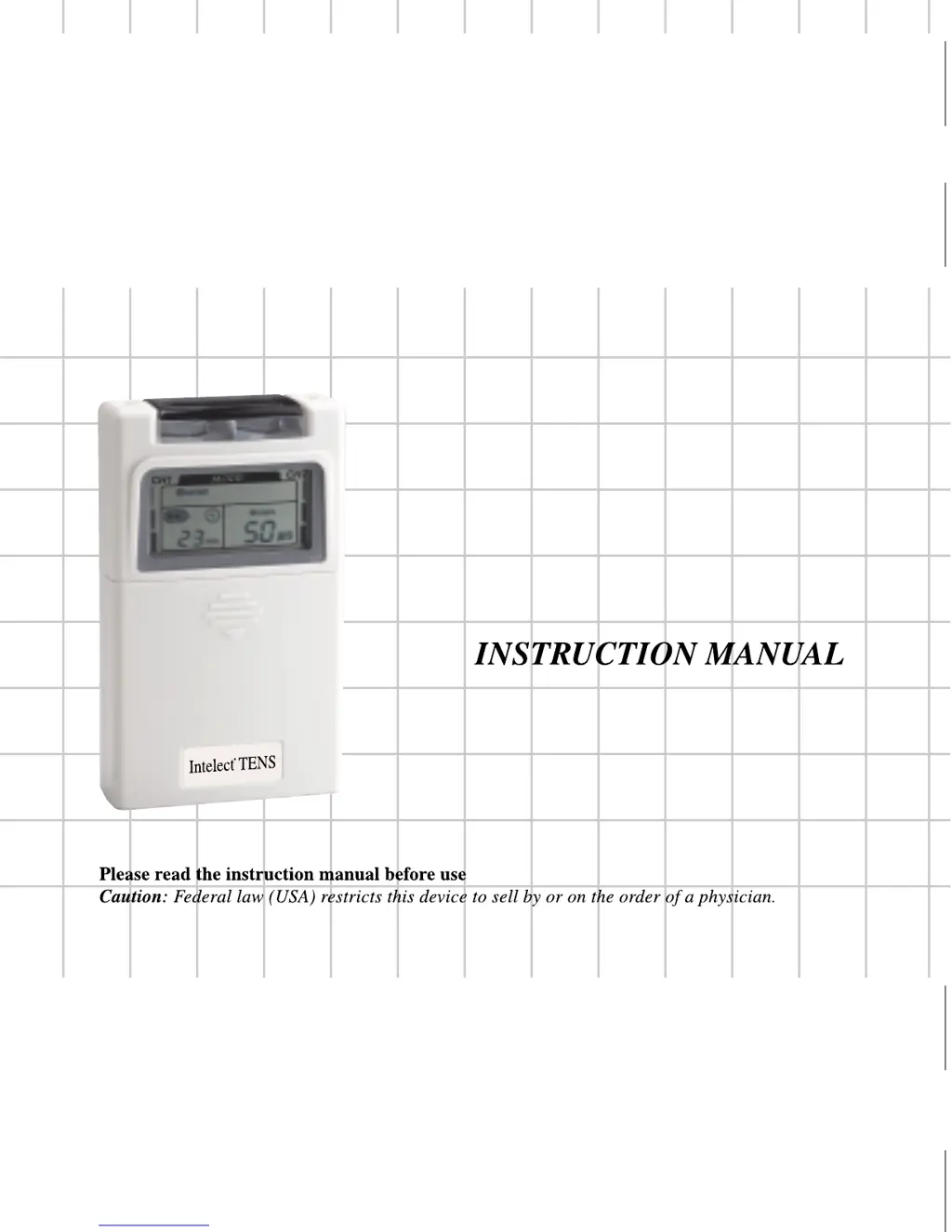
Chattanooga Intelect TENS - User Manual

Chattanooga Intelect TENS
30 pages
Print Icon
To Next Page IconTo Next Page
Loading...
Intelect IFC
®
Intelect TENS
®
Intelect TENS
®
Intelect TENS
®
2003 Encore Medical
2003 Encore Medical
2003 Encore Medical
2003 Encore Medical
2003 Encore Medical
NMES
®
Intelect
NMES
®
Intelect
77393A
77395A
77684C
77392A
77391A
77394A

Questions and Answers

  • Y
    yolanda15Aug 2, 2025
    What to do if Chattanooga Intelect TENS LCD lights up but doesn't function properly?
    • S
      Sarah NguyenAug 2, 2025
      If the LCD indicator lights up but your Chattanooga Medical Equipment isn't working correctly, first ensure all control settings match your medical professional's instructions. Check that electrodes are correctly placed and all lead wire connectors are firmly sealed. If the issue continues, try replacing the cord set to check for broken wires.
  • T
    Tiffany SchultzAug 11, 2025
    How to fix Chattanooga Intelect TENS Medical Equipment when none of the LCD indicators light up?
    • J
      Jo PatelAug 11, 2025
      If none of the LCD indicators light up on your Chattanooga Medical Equipment, replace the battery with a new one.
  • C
    csilvaAug 23, 2025
    What to do if low battery indicator flashes on Chattanooga Intelect TENS Medical Equipment?
    • D
      darryl75Aug 23, 2025
      If the low battery indicator is flashing on your Chattanooga Medical Equipment, replace the battery with a new one.

Summary

INTRODUCTION

General Information and Indications

Device purpose, usage indications, and legal sale restrictions.

Safety Information (Warnings & Precautions)

Critical safety warnings, precautions for specific conditions, and potential adverse reactions.

PRODUCT DESCRIPTIONS

Unit Components Overview

Identifies and explains the front, rear, and control panel elements of the TENS unit.

STIMULATION MODES

Mode Descriptions

Details parameters and characteristics for Burst, Normal, MRW, SD, and Bi-Pulse modes.

INSTRUCTIONS FOR USE

Preparation and Setup

Covers battery installation, connecting electrodes to wires, and lead wires to the unit.

Electrode Application and Adjustment

Instructions for applying electrodes and adjusting stimulation parameters like mode, rate, width, and amplitude.

Operation and Compliance Tracking

Procedures for turning the unit off and using the patient compliance timer.

CARE AND MAINTENANCE

Portability and Indicators

Information on unit portability and the low battery indicator.

Battery and Electrode Maintenance

Steps for battery replacement and caring for electrodes and cords.

HANDLING AND STORAGE

SPECIFICATIONS

Technical Details

Detailed technical specifications of the TENS device.

Stimulation Mode Parameters

Specific parameters for each stimulation mode (Burst, Normal, MRW, SD, Bi-Pulse).

ACCESSORIES

TROUBLESHOOTING

WARRANTY

Chattanooga Intelect TENS Specifications

General IconGeneral
ChannelsDual
Power Source9V battery
Frequency Range2-150 Hz
Intensity LevelsAdjustable
TypeTENS
Pulse Width50-250 microseconds
Pulse Rate2-150 Hz
Timer1-60 minutes
ModesBurst, Modulation

Related product manuals