EasyManua.ls Logo

Chattanooga Intelect RPW - User Manual

Chattanooga Intelect RPW
94 pages
Print Icon
To Next Page IconTo Next Page
Loading...
User Manual
Operation & Installation
Instructions for:
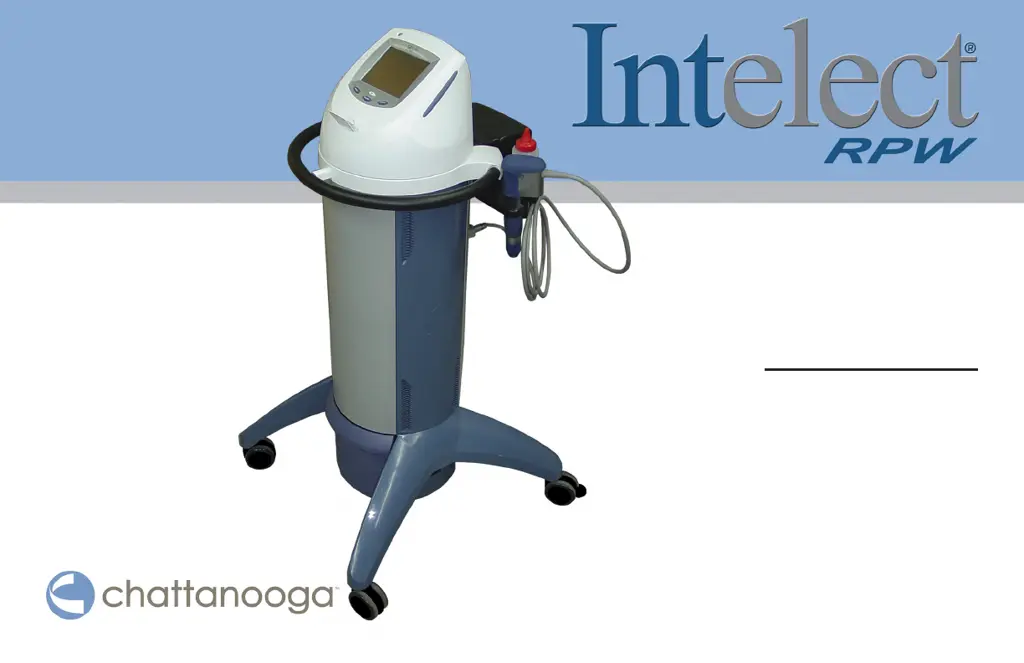
Intelect Radial Pressure Wave (RPW)
REF 2082 (100 V)
REF 2073 (120 V)
REF 2074 (230V)

Table of Contents

Questions and Answers

  • Y
    youngbrandySep 23, 2025
    What to do if no valid treatments were found on the Patient Card of my Chattanooga Intelect RPW?
    • M
      Melissa KelleySep 23, 2025
      If the Patient Card button was pressed, but no valid treatments were found on the Patient Card of your Chattanooga Medical Equipment, ensure valid treatments are saved on the Patient Card.
  • J
    Jeff LopezAug 25, 2025
    What to do if the Chattanooga Medical Equipment Save to Patient Card button was pressed but no card is inserted?
    • M
      Michael BennettAug 25, 2025
      If the Save to Patient Card button was pressed, but there is no Patient Card inserted, insert a valid Patient Card into your Chattanooga Medical Equipment.
  • T
    Todd CooperAug 25, 2025
    What to do if Chattanooga Intelect RPW says the Patient Data Card is not valid?
    • B
      Brad MooreAug 26, 2025
      If the Save to Patient Card button was pressed, but the card that is currently inserted in the Patient Data Card Port is not a valid patient data card, use a valid patient data card in your Chattanooga Medical Equipment.
  • M
    michaelhoffmanAug 27, 2025
    What to do if the Patient Data Card is full on Chattanooga Intelect RPW?
    • R
      Richard MorganAug 27, 2025
      If the Save to Patient Card button was pressed, but the card that is currently inserted in the Patient Data Card Port is full, replace the full card with a new one in your Chattanooga Medical Equipment.
  • A
    Amy BakerAug 27, 2025
    What to do if Chattanooga Intelect RPW START button was pressed, but no cable is connected?
    • L
      Lisa RamirezAug 27, 2025
      If the START button was pressed, but a handpiece cable is not connected to any output socket on your Chattanooga Medical Equipment, connect the handpiece cable to an output socket.
  • C
    christina42Sep 15, 2025
    What to do if the treatment being accessed on the Patient Card is an electrotherapy type of treatment on my Chattanooga Intelect RPW?
    • L
      linda83Sep 15, 2025
      If the treatment being accessed on the Patient Card is an electrotherapy type of treatment on your Chattanooga Medical Equipment, select a different type of treatment.
  • M
    Michael MillerSep 12, 2025
    What to do if I am attempting to use the wrong transmitter for the selected protocol on my Chattanooga Medical Equipment?
    • A
      Andrew BrockSep 13, 2025
      If the user is attempting to use the wrong transmitter for the selected protocol on your Chattanooga Medical Equipment, use the correct transmitter for the selected protocol.
  • B
    baldwinkelseySep 14, 2025
    What to do if the treatment being accessed on the Patient Card is a traction type of treatment on my Chattanooga Intelect RPW?
    • C
      Christopher EstesSep 14, 2025
      If the treatment being accessed on the Patient Card is a traction type of treatment on your Chattanooga Medical Equipment, select a different type of treatment.
  • E
    Eric FergusonSep 5, 2025
    What to do if no patient name was entered on my Chattanooga Medical Equipment?
    • A
      Anthony GreerSep 5, 2025
      If no patient name was entered when the Save to Patient Card button was pressed on your Chattanooga Medical Equipment, enter a patient name before saving.
  • J
    James JohnsonSep 2, 2025
    What to do if Chattanooga Intelect RPW Medical Equipment MMC is not a software update MMC?
    • N
      Nicole GomezSep 3, 2025
      If the user is attempting to update the unit's software, but the MMC inserted into the MMC port is not a software update MMC for your Chattanooga Medical Equipment, use a software update MMC for the update.

Summary

Foreword

Operator Qualifications

Device intended for medical specialists and qualified personnel in clinical settings.

Product Description

Explains the Intelect RPW as a radial, pneumatically generated acoustic wave generator.

Safety Instructions

General Cautions

Lists general cautions for operation, handling, storage, and accessory use.

General Warnings

Lists warnings about improper installation, modification, storage, and environment.

General Dangers

Lists dangers related to implanted devices, sensitivities, and electrical shock.

Personal Safety

Protection of the Unit

Indications

Intended Use

Device is for therapeutic modality by clinicians for pain, trigger points, and tissue activation.

Indications for Use

Lists specific conditions treated, including Myofascial Trigger Points and Activation of Muscle.

Contraindications

General Contraindications

Lists contraindications like pregnancy, coagulation disorders, acute inflammation, and polyneuropathy.

Additional Precautions

General Precautions

Precautions for bony areas, hearing aids, patient-connected equipment, bleeding tendency.

Nomenclature

User Interface

Labels and describes the unit's user interface elements and buttons.

Specifications

Unit Specifications

Details technical specifications like ambient temperature, power consumption, input voltage, and dimensions.

Operation

Installing the Applicator

Step-by-step guide on how to replace the transmitter in the handpiece.

Basic Operation

Guides on connecting power, turning on the unit, and basic interface interaction.

Edit Treatment Screen

Details adjusting parameters like energy, pulses, and frequency.

Using the Ramp Button

Explains how the Ramp button increases intensity gradually for patient acclimation.

Stopping Therapy Using the STOP Button

Procedures for stopping therapy and saving parameters to a patient card or user protocol.

Viewing Contraindications

Lists conditions for which therapy is contraindicated.

Troubleshooting

Error Codes and Descriptions

Lists error codes and their corresponding explanations for troubleshooting.

General Error Warnings

Warnings about error messages starting with 2 or 3, and display failures.

Maintenance

Danger of Unsafe Operation

Danger of operating the unit if it is not safe, requiring certified service.

Service and Recalibration

Guidelines for unit service, recalibration, and contacting customer support.

Warranty

Chattanooga Intelect RPW Specifications

General IconGeneral
Therapy TypeRadial Pressure Wave Therapy
DisplayColor Touchscreen
CustomizationUser-Defined Protocols
Frequency1 – 21 Hz
Applicators6 / 15 / 25 mm
User InterfaceTouchscreen
PresetsClinical Protocols
Dimensions25 x 35 x 40 cm
Weight13 lbs (6 kg)
Power Supply100-240 VAC, 50/60 Hz
Pressure1.0 – 5.0 Bar
Pulse ModesContinuous and Burst

Related product manuals