EN
2
ILS Command QRG Rev. 1
QUICK REFERENCE GUIDE
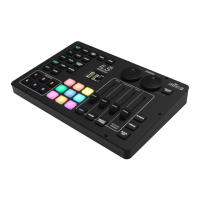
Control Panel Overview
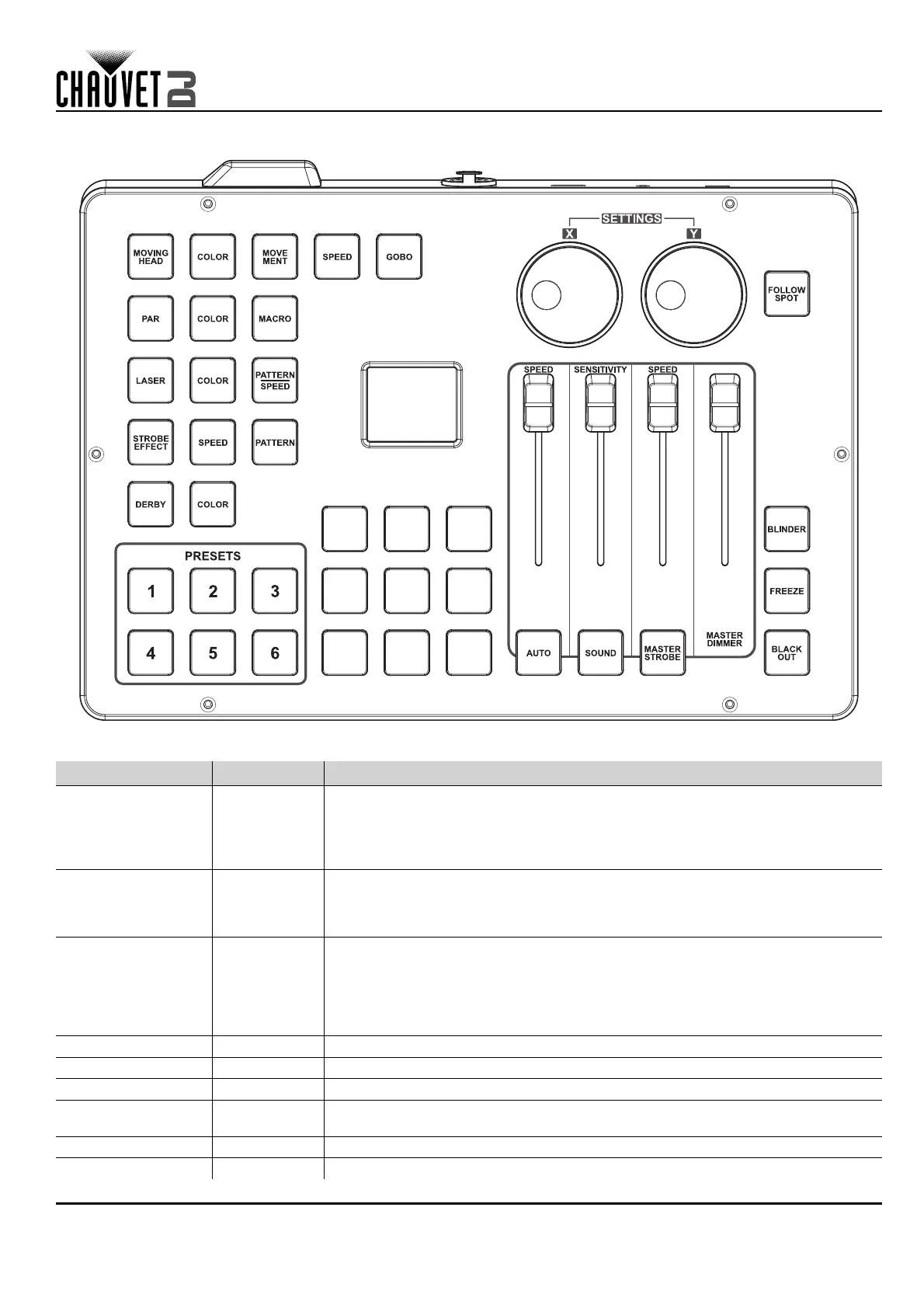
Control Panel Description
Label/Color Type Function
<X> Encoder
Press to access menu, enable the currently displayed menu, or set the currently
selected value into the selected function
Press and hold for 3 seconds to lock and unlock the ILS Command
Rotate to navigate through the menu list, to increase or decrease numeric values
in a function, and to program the pan of moving heads for follow spot mode
<Y> Encoder
Press to exit from the current menu or function
Press and hold for 3 seconds to lock and unlock the ILS Command except for the
<PRESET> buttons
Rotate to program the tilt of moving heads for follow spot mode
<FOLLOW SPOT> Button
Press to activate and deactivate follow spot mode
Press and hold to program follow spot mode positions, colors, and gobos
(Use the <amber>, <green>, <cyan>, and <white> buttons with the <X> and <Y>
encoders to program)
Press and hold again to finish programming, then use the <X> encoder to save
or cancel
<AUTO SPEED> Fader Adjust to set the speed of automatic/preset programs and macros
<SENSITIVITY> Fader Adjust to set the sensitivity of the microphone or aux input in sound mode
<STROBE SPEED> Fader Adjust to set the strobe speed
<MASTER
DIMMER>
Fader Adjust to set the master dimmer value
<AUTO> Button Press to activate automatic mode
<SOUND> Button Press to activate sound mode






 To Next Page