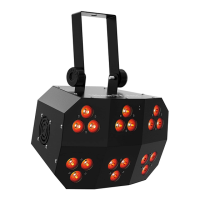
The Funfetti™ works with a DMX controller. Information about configuring
Funfetti™ for DMX operation is in the
User Manual, which is available from
the Chauvet website http://www.chauvetlighting.com/product-manuals-
literature/. Information about DMX is in the DMX Primer, which is available
from the Chauvet website http://www.chauvetlighting.com/downloads.
To ensure full access to all channels in each DMX mode, the highest
recommended DMX address for this product is 512.
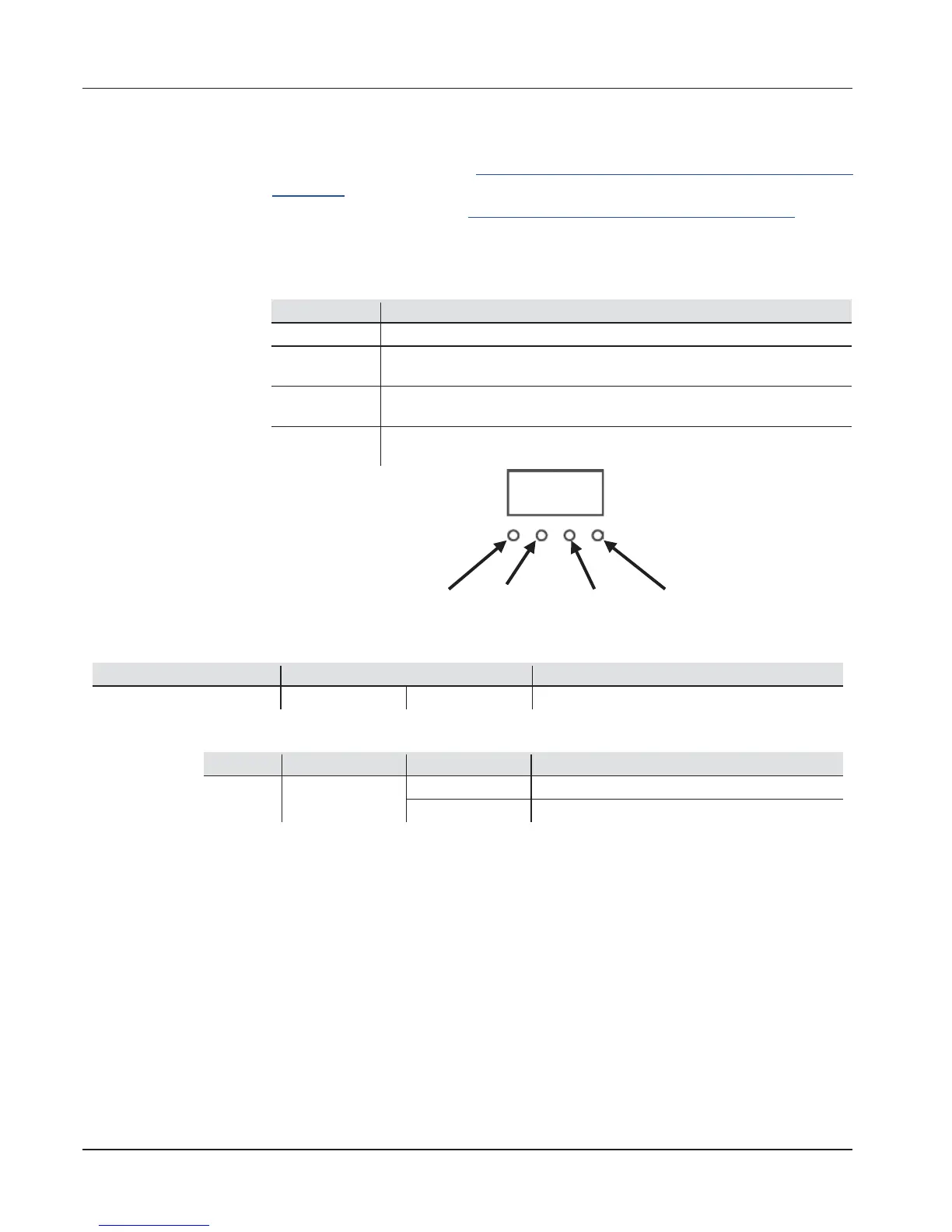
Exits from the current menu or function
Navigates upwards through the menu list or increases the numeric value
when in a function
Navigates downwards through the menu list or decreases the numeric
value when in a function
Enables the currently displayed menu or sets the currently selected
value into the selected function
<MENU> <UP> <DOWN> <ENTER>







 To Next Page