3 Basic Functions
3.1 Data Storage and Data Transmission
Data storage
HCE320 supports external SD card, users can copy data of internal
storage in SD card.
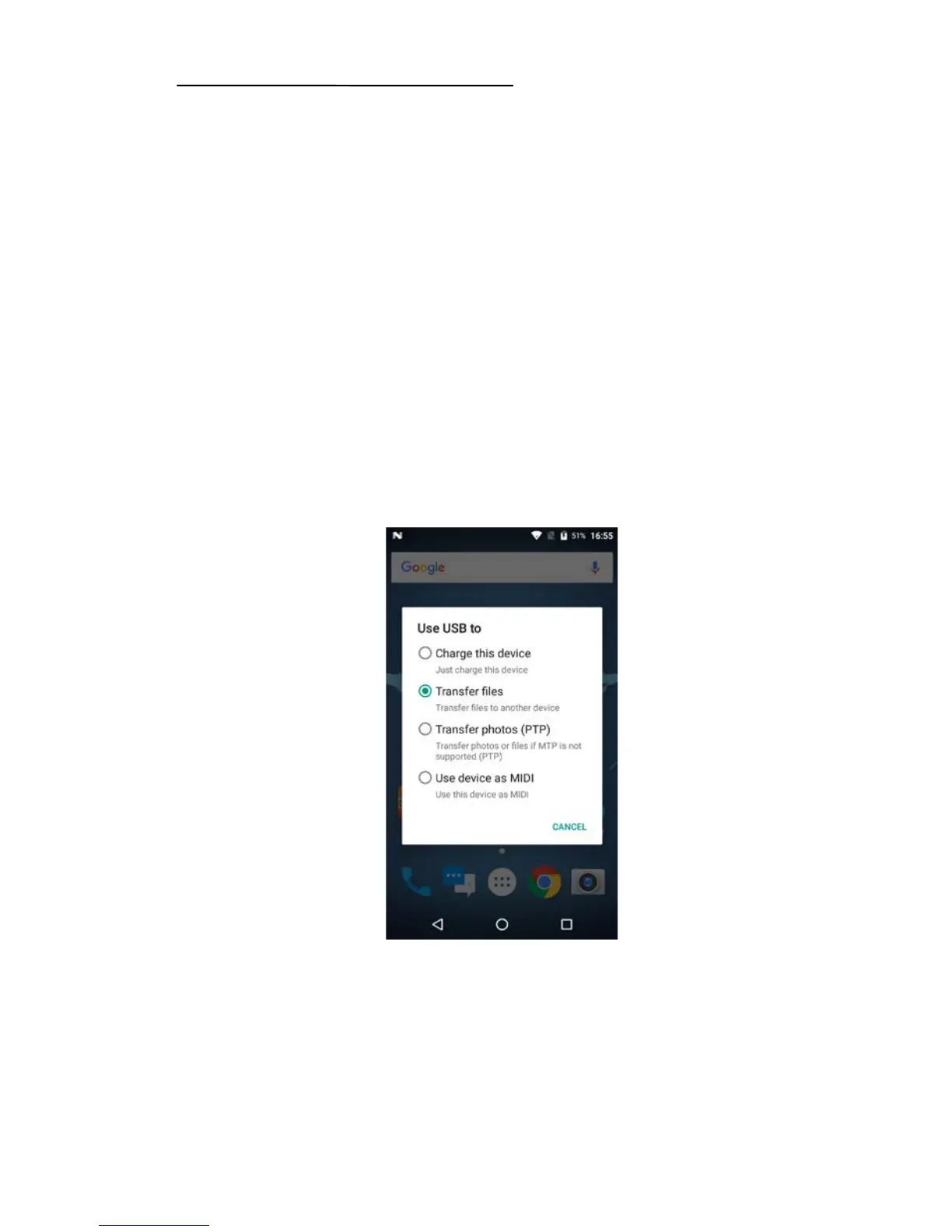
Data transmission
Pull down menu list and find [USB] icon, choose to transmit file.
Or double click [Computer] in computer desktop and double click
[HCE320], users can see and operate in both internal and external SD
card storage.
3.2 Network Type Switch
Click [Setting] to enter setting interface, and click [More] to find the
[Mobile Network]. Finally, click [Preferred Network Type] and choose the


 To Next Page