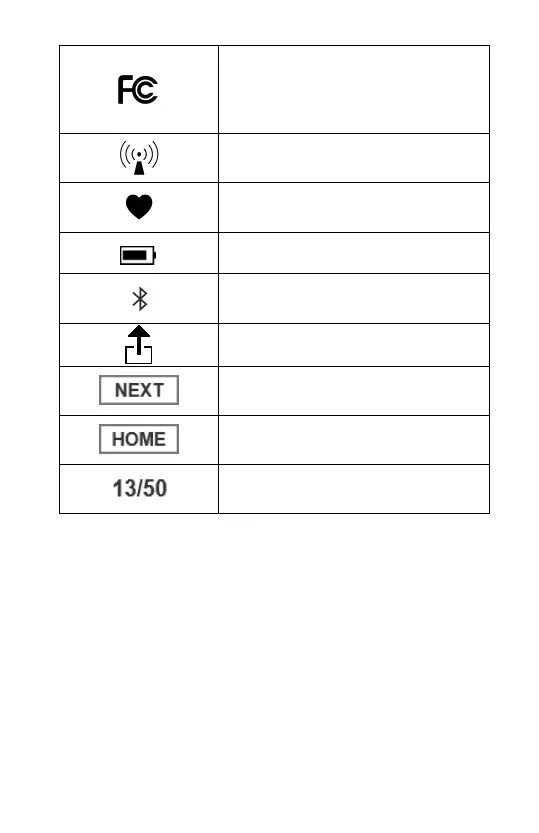
This product complies with the
rules and regulations of the
Federal Communication
Commission.
Press to display next record
Press to return to home screen
Current record / Total records
3. Using the Monitor
3.1 Charging the Battery
Use the USB cable to charge the monitor. Connect the USB
cable to a USB charger or to the PC. It takes 2 hours to fully
charge. When the battery is fully charged, the indicator will
be off.
The monitor works on very low power consumption, and a
full charge usually lasts for months. A battery symbol, which
indicates the battery status is displayed on the screen.


 To Next Page