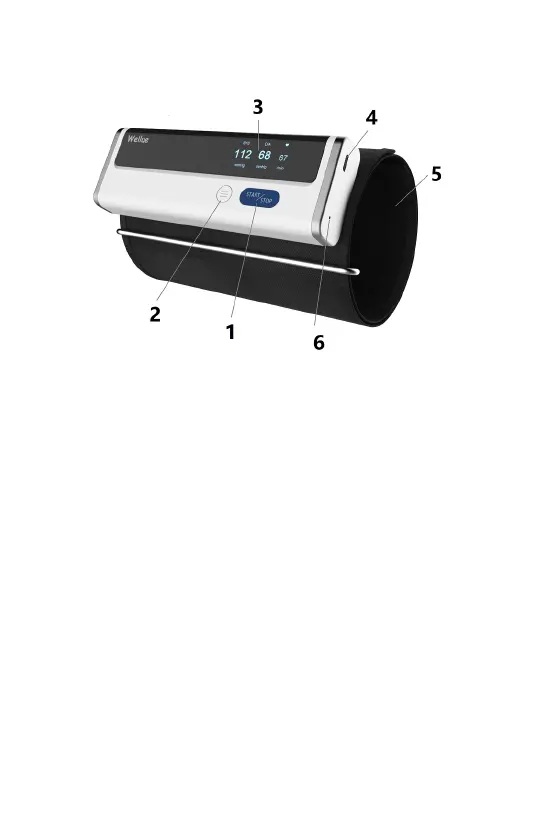
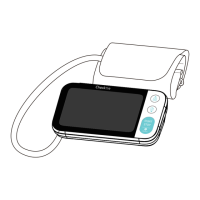
2.3 About the Product
1. Start/Stop button
Power On/Off
Press to Start/Stop measuring blood pressure.
2. Function button
Press to review historical data.
3. Display screen
4. Cable connector
Connect with the charging cable.
5. Arm Cuff
6. LED indicator
Blue light is on: the battery is charging.
Blue light is off: the battery is fully charged.
2.4 Unpacking
Main Unit; Charging Cable; User Manual; Quick Guide


 To Next Page