Note: The device has an automatic power shut-off function,
which turns off the power automatically 2 minutes after
taking measurements.
3.3 Reviewing History Records
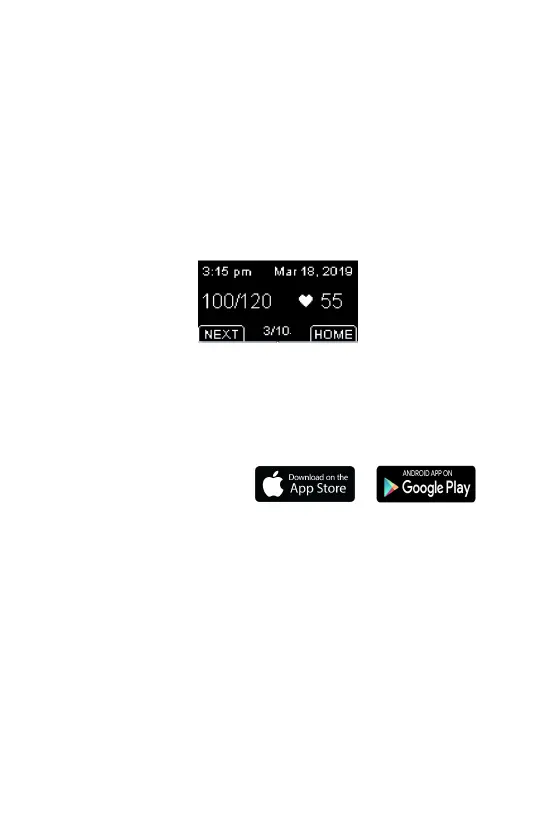
You can review the history results on the History screen.
Pressure Function button to enter the History screen. The
last measurement results will be displayed by default.
To view the next records, press the NEXT button.
To exit the History screen, press the HOME button.
3.4 Connecting with the App
App name: ViHealth
iOS: App Store
Android: Google Play
The monitor has built-in Bluetooth wireless connectivity,
which enables exporting measurement records to mobile
phones and tablets running iOS or Android.
Hold the function button and Start/Stop button
simultaneously to enable Bluetooth and start pairing it to
your smart device.


 To Next Page