The content of this manual are subject to change without notice
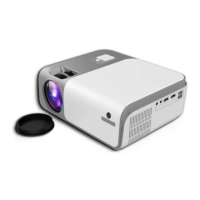
③ Connect the power cable to the projector and into the power supply socket, the
indicator light will turn red, then the projector is in standby mode, take off the lens
cover.
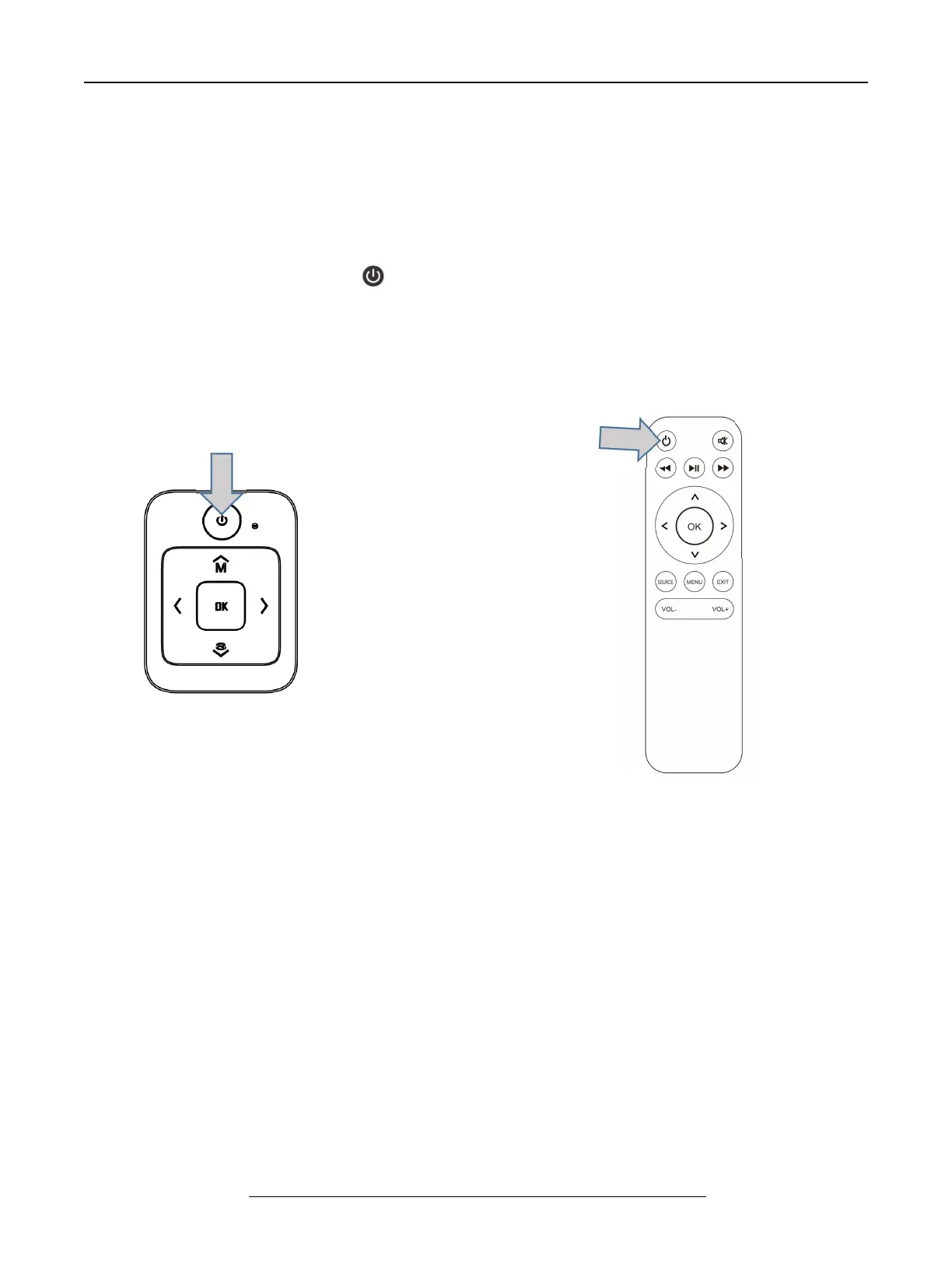
Press the “ power ” button ( ) on the control panel or remote control to turn on
the projector.
A. On the control panel B. On the remote control
Note: do not guarantee compatibility with every external device !


 To Next Page