The content of this manual are subject to change without notice
⑤ Multimedia Connection:
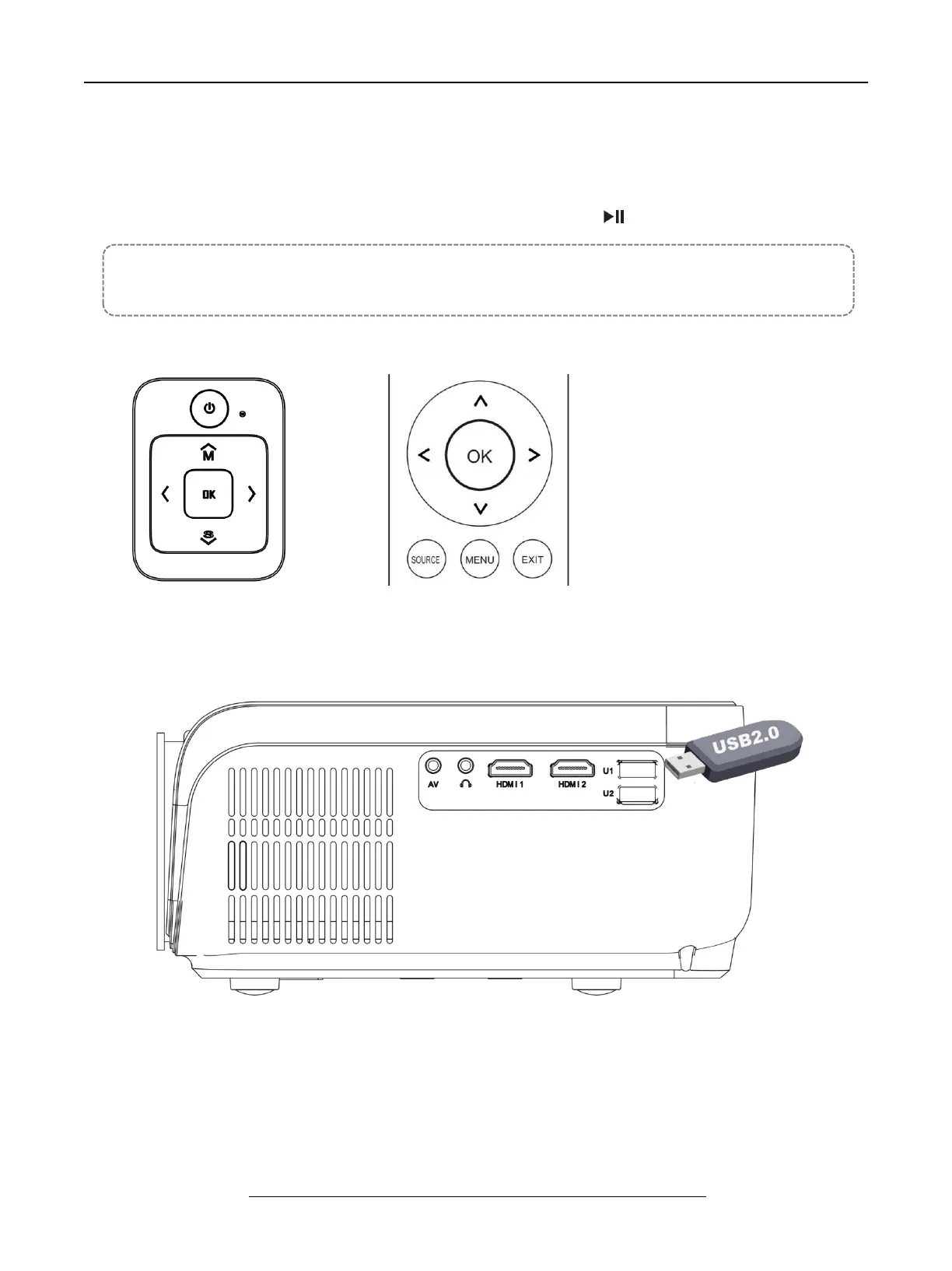
A. Insert the USB flash driver into the USB port and choose the right
signal source, then press Play / Pause button ( ) to display or stop.
( Press “ Source” on the remote control or “ S” on the control panel, then there is
“ Input Source” on the screen, choose “ USB “ )


 To Next Page