4
GETTING TO KNOW THE PizzellePro
®
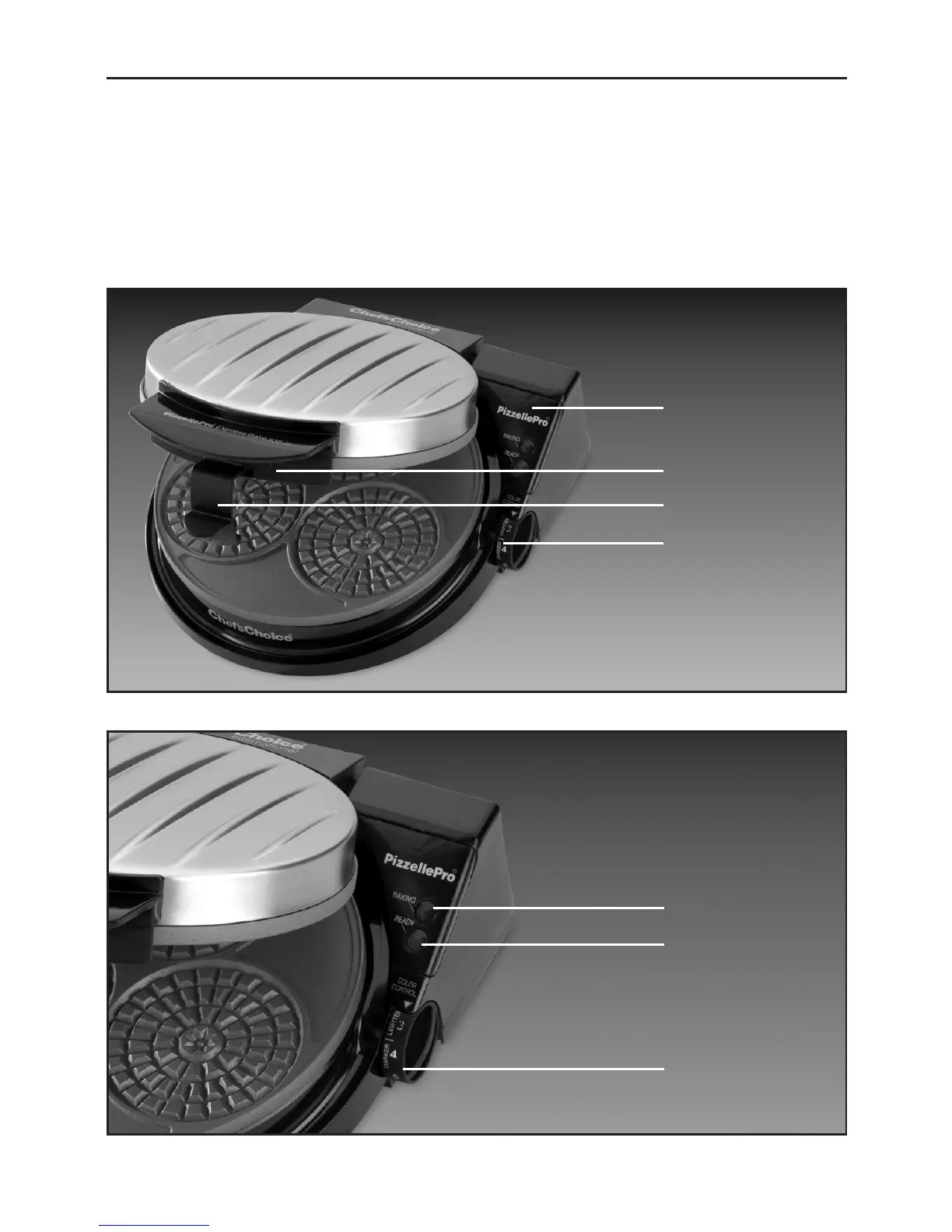
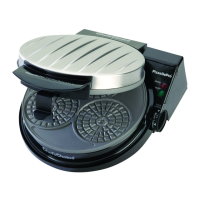
Take a minute to identify the key features and controls of the PizzellePro
®
(Figure 1).
To open the lid, release the locking latch (Figure 3) and lift the insulated front plastic handle.
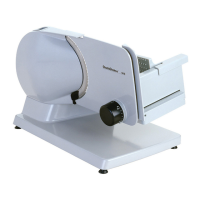
Electronic controls are on the control panel, Figure 2.
Note the red “Baking” light on the control panel, which lights whenever the pizzelle plates are
being heated. The green “Ready” light turns on when the pizzelle plates are fully heated and
ready for baking. As described later, the green and red lights can be used to assist with the
timing and control of the baking cycle.
Figure 2. Control Panel.
Red “Baking” Light
Green “Ready” Light
Color Control
Figure 1. PizzellePro
®
Express Bake
™
.
Handle for Lid
Control Panel
(See Figure 2)
Locking Latch
Color Control


 To Next Page