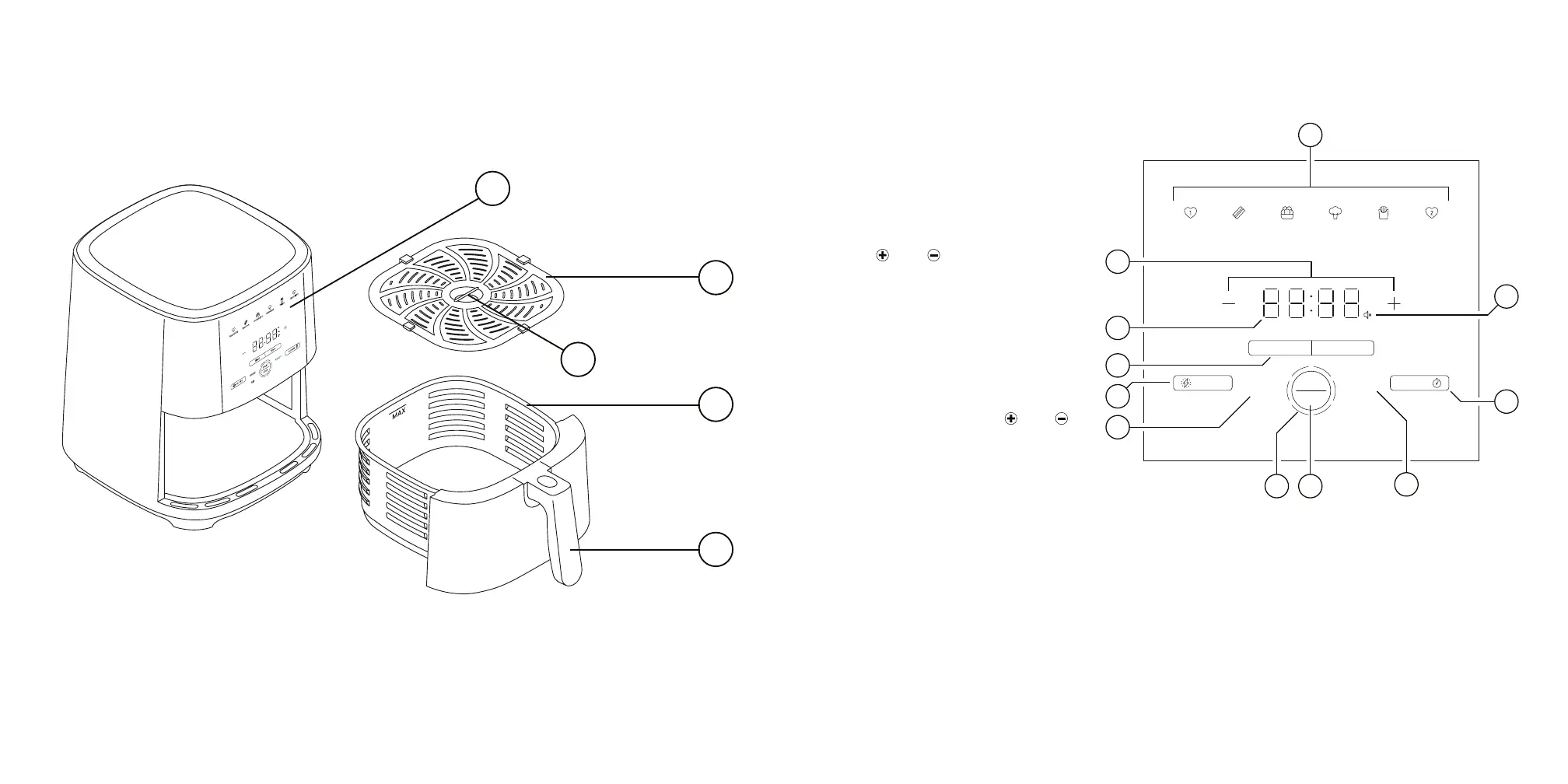
FEATURES CONTROL PANEL
1
2
4
5
3
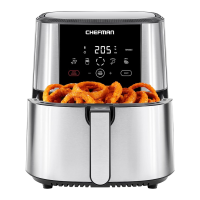
1. Control Panel
2. Basket Rack
3. Center Pinch Grip
4. Basket
5. Stay-Cool Handle
A. Cooking Preset Buttons
Sets time and temperature
with one touch for
popular foods.
B. Temperature/Time LED
Display
C. and Buttons
Press to increase and
decrease temperature and
cooking time.
D. Mute Light
Illuminates when
sound is muted.
E. TIME/TEMP Button
Selects whether and
buttons are setting time
or temperature.
(To change between
˚F and ˚C, press and hold
in standby mode.)
HI-FRY Button
Press to raise cooking
temperature to 450˚F for
2 minutes.
F. SHAKE/FLIP Lights
Illuminate when it is time
to shake or flip your food.
G. +2 MIN Button
Press to add 2 minutes to
an existing cooking cycle.
H. READY Light
Illuminates when your food is ready.
I. START/STOP Button
Press to start or stop cooking in the unit.
J. Circular Progress Bar
Segments progressively illuminate
during cooking.
FRIESFAVORITE FAVORITEVEGGIESNUGGETSBACON
FLIP
READYSHAKE
STOP
START
¡F
¡C
HI-FRY
+2 MIN
TIME TEMP
A
J
I
K
D
H
E
F
G
B
C
°F
°C






 To Next Page