support@chekoh.net
15
4.3 Delete Camera
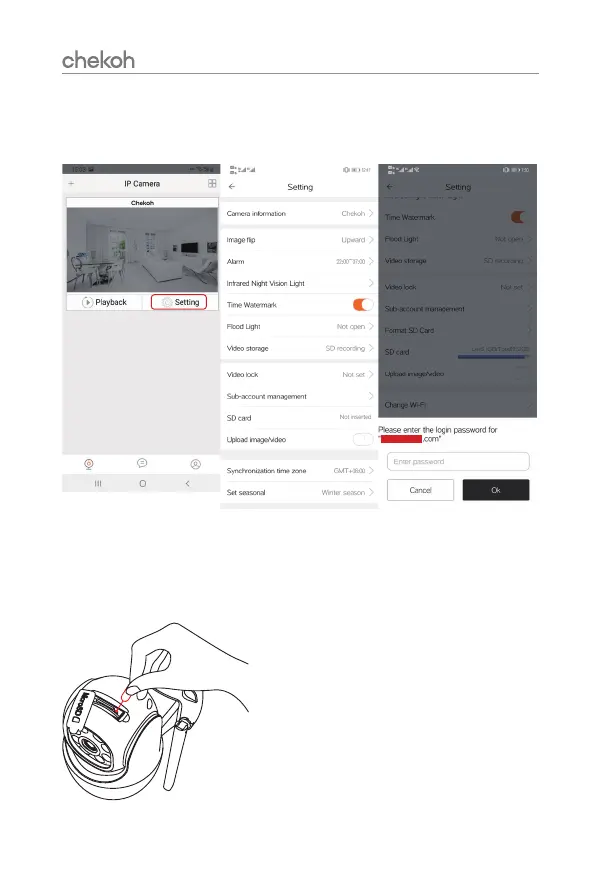
Tap 'Setting' and choose 'Delete' on the screen. Enter the login password for your
account and click 'OK' to delete.
4.4 Reset Camera
To rest the camera, use the provided reset needle
to hold the reset button for several seconds,
until you hear "deng~deng~deng~" prompt voice
means the camera has been reset successfully.


 To Next Page