support@chekoh.net
29
7.6 Disable/Enable Push Notification
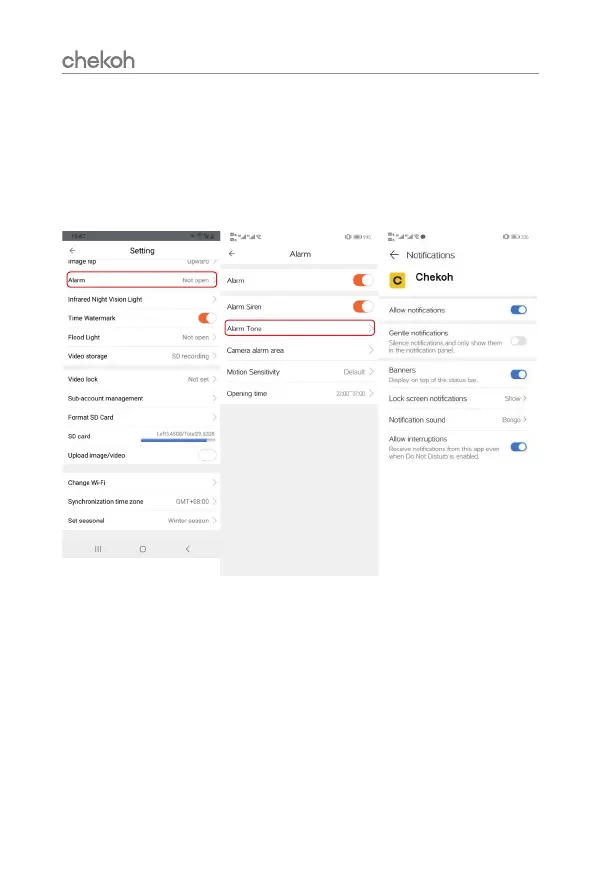
Receive alarm information on your smartphone, please open 'Allow notifications' on the
APP.
There are two ways to open:
Way 1: Go to 'Settings' > 'Notifications' on your smartphone, and then click Chekoh App to
allow notifications.
Way 2: Click 'setting' on the camera management page and follow the icon.


 To Next Page