support@chekoh.net
08
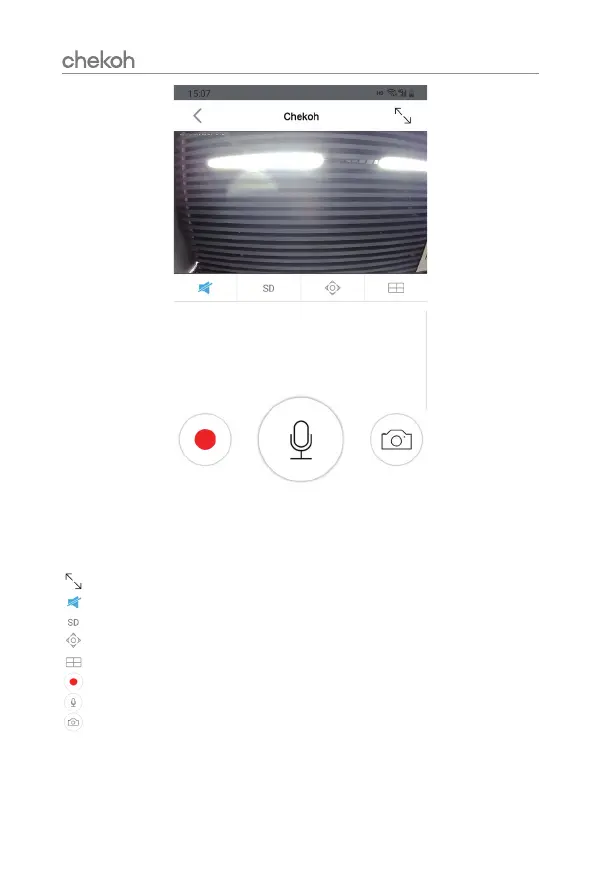
Tap this icon to enter the full-screen mode.
Tap this icon to enable or disable audio.
Tap this icon to modify the image quality.
Tap this icon to adjust the monitoring area.
Tap this icon to enter the 1/4windows division menu.
Tap this icon to record live video.
Long press this icon to start a conversation.
Tap this icon to take a photo of the live view.
Please read the manual to learn more about how to use our product.


 To Next Page