4
Congratulations ...
CHERRY has been developing and
producing innovative input systems for
computers since 1967. You will now be
able to feel the difference in quality,
reliability and design with your new
favourite piece of equipment.
Always order original CHERRY equipment.
For information on additional products,
downloads, and much more, please visit
www.cherry-world.com.
The following features in particular set your
CHERRY keyboard apart:
• CHERRY MX key technology
• Highest quality and reliability
• More than 50 million key operations
1 Connecting the keyboard
• Plug the USB connector into any USB
connection on your PC.
2 Cleaning
1 Unplug the keyboard.
2 Clean the keyboard with a slightly
damp cloth and some mild cleaning
agent (e.g.: dishwashing liquid).
3 Dry off the devices with a soft, lint-free
cloth.
CAUTION: Damage may be
caused by harsh cleaning
agents or liquids in the
keyboard
• Do not use solutions such as gasoline
or alcohol and scouring agents or
scouring sponges for cleaning.
• Prevent fluids from entering the
devices.
• Do not remove the keycaps of the
keyboard.
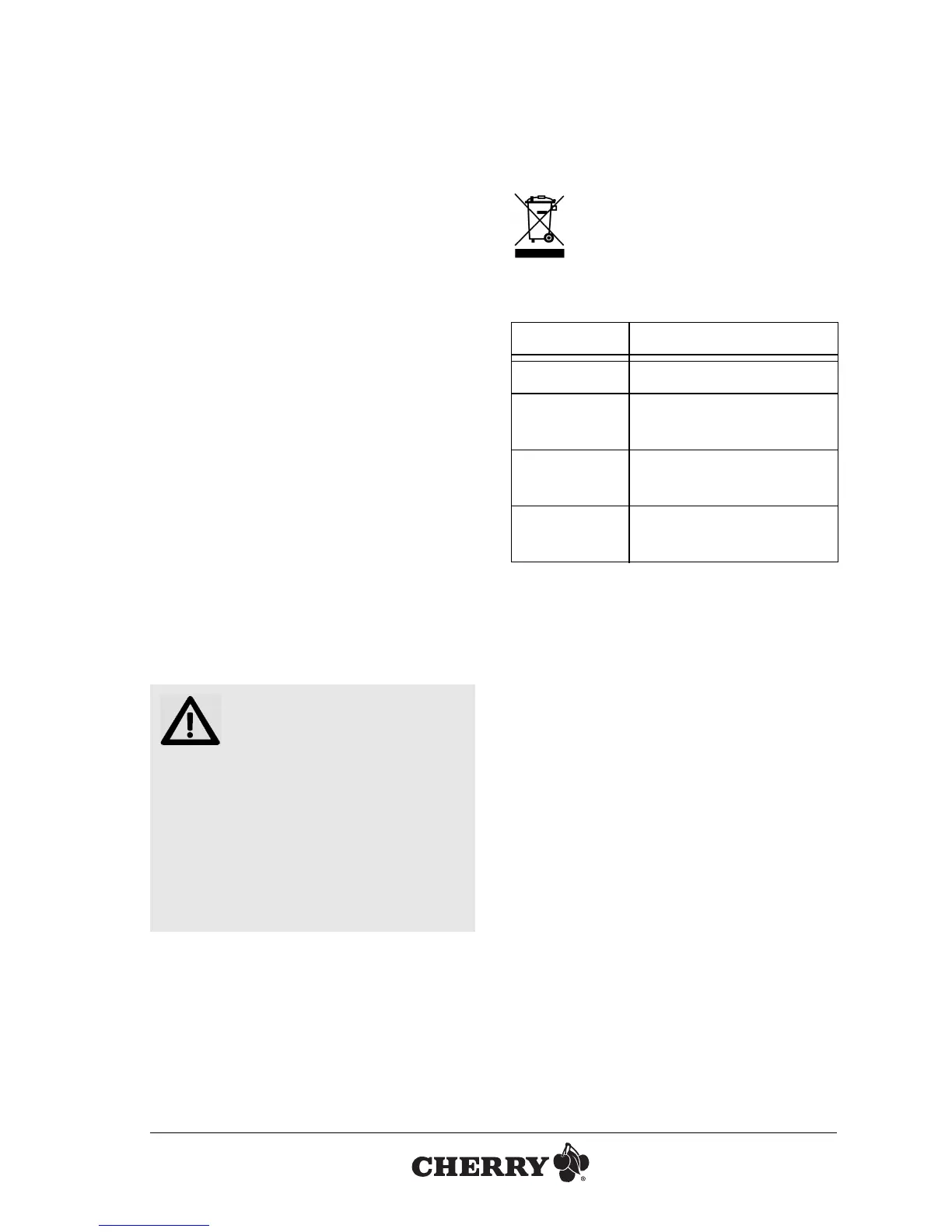
3Disposal
Dispose of the old unit via a
collecting point for electronic
scrap or via your dealer.
4 Technical data
5 Contact
Please have the following information on
hand when contacting technical support:
• Item and serial no. of the product
• Name and manufacturer of your system
• Operating system and, if applicable,
installed service pack version
ZF Friedrichshafen AG
Electronic Systems
Cherrystraße
91275 Auerbach
Germany
Internet: www.cherry-world.com
E-mail: info@cherry.de
Designation Value
Supply voltage 5.0 V/DC ±5 % SELV
Current
consumption
Typ.: 49 mA
Storage
temperature
–20 °C ... +60 °C
Operating
temperature
0 °C ... +50 °C
OPERATING MANUAL
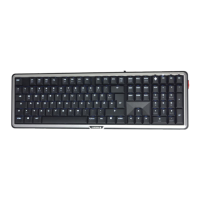
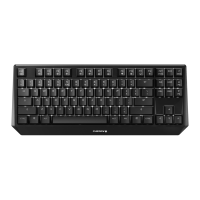
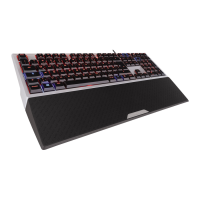
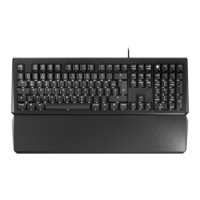
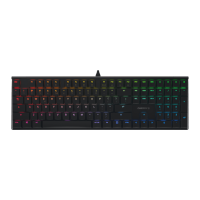
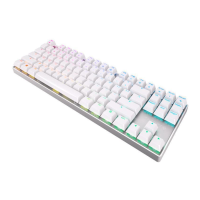
CHERRY MX-BOARD 2.0 // Corded Keyboard






 To Next Page