Instruments and controls 81
To select the setting menu, press the
MENU button in the turn signal lever.
You can select the following:
■ Engine oil life
■ Unit setting
■ Language setting
■ Tyre learn
■ Tyre loading
Each menu can be selected by
turning the adjuster wheel in the turn
signal lever.
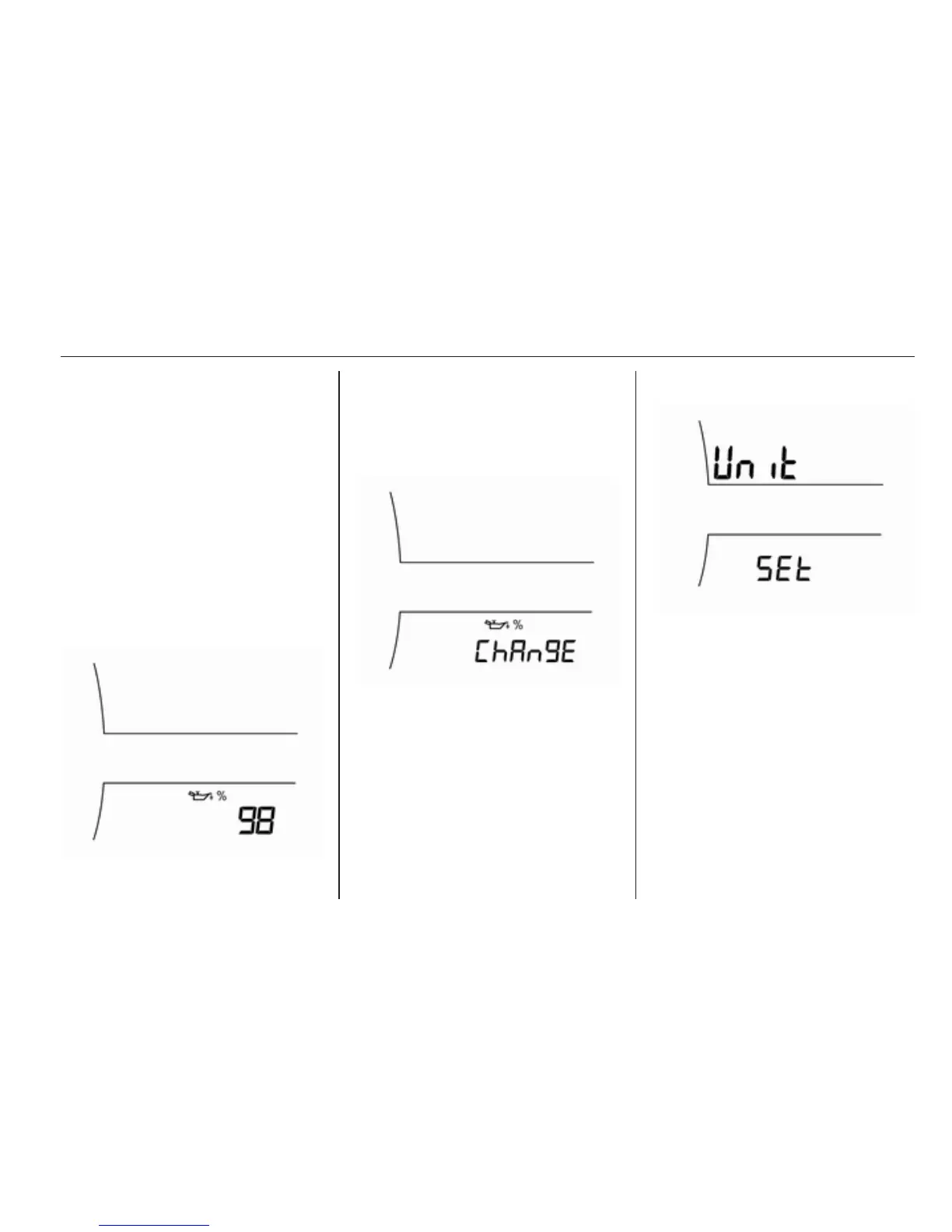
Engine oil life
It displays an estimate of the oil's
remaining useful life.
If the number 98 is displayed, it
means 98% of the current oil life
remains.
When the remaining oil life is low, the
vehicle message will appear in the
Driver Information Centre (DIC). The
engine oil should be changed as soon
as possible.
After an engine oil change, the engine
oil life system must be reset. To reset,
press the SET/CLR button a few
seconds.
Engine oil life system 3 195.
Unit setting
Press the SET/CLR button a few
seconds.
Turn the adjuster wheel to select one
of the settings.
1. Great Britain (MPH. °C)
2. United States (MPH, °F)
3. Europe (km/h, °C)
When changing a unit, the selected
unit is flashed.
Press the SET/CLR button to confirm.















 To Next Page