84 Instruments and controls
No. Vehicle message
89 Service vehicle soon
128 Hood open (if equipped stop-
start system)
Warning chimes
When starting the engine or
whilst driving
■ If seat belt is not fastened.
■ If a certain speed is exceeded with
parking brake applied.
■ If a warning code appears in the
Driver Information Center.
■ If the parking assist detects an
object.
When the vehicle is parked and/
or a door is opened
■ When the key is in the ignition
switch.
■ With exterior lights on.
Trip computer
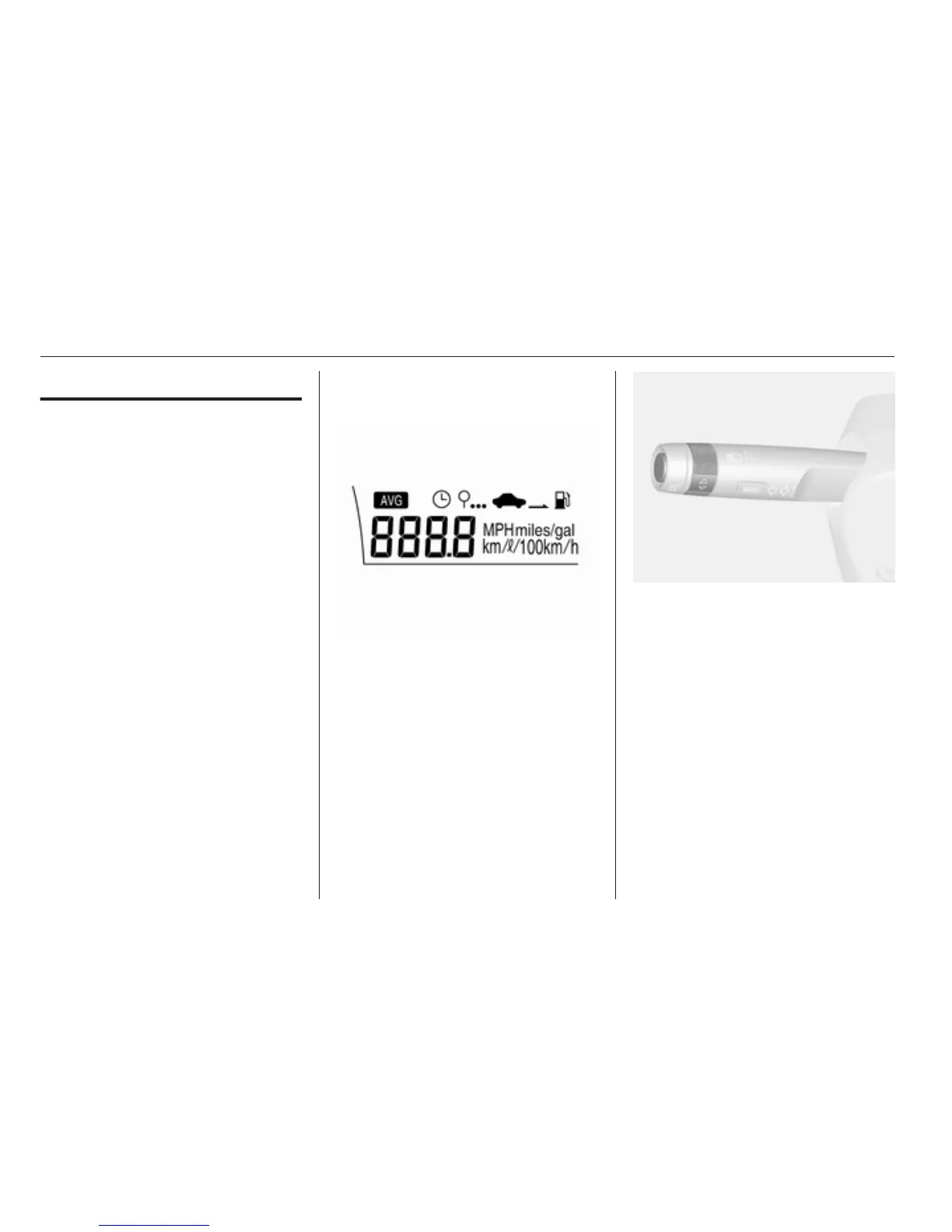
Trip computer is located in Driver
Information Center (DIC).
It provides the driver with driving
information such as average speed,
driving distance for remaining fuel,
average consumption and driving
time.
To operate the trip computer, turn the
adjuster wheel in turn signal lever.
Select the upper display. It is blinking
when selected.
Each time you turn the adjuster
wheel, the mode changes in the
following order:
Average speed → Driving distance for
remaining fuel → Average
consumption → Driving time →
Average speed
Some modes can be reset by
pressing SET/CLR button.



 To Next Page